We've redesigned the client page in Quento.
Now you get a complete overview of your relationship with each client — all in one place.
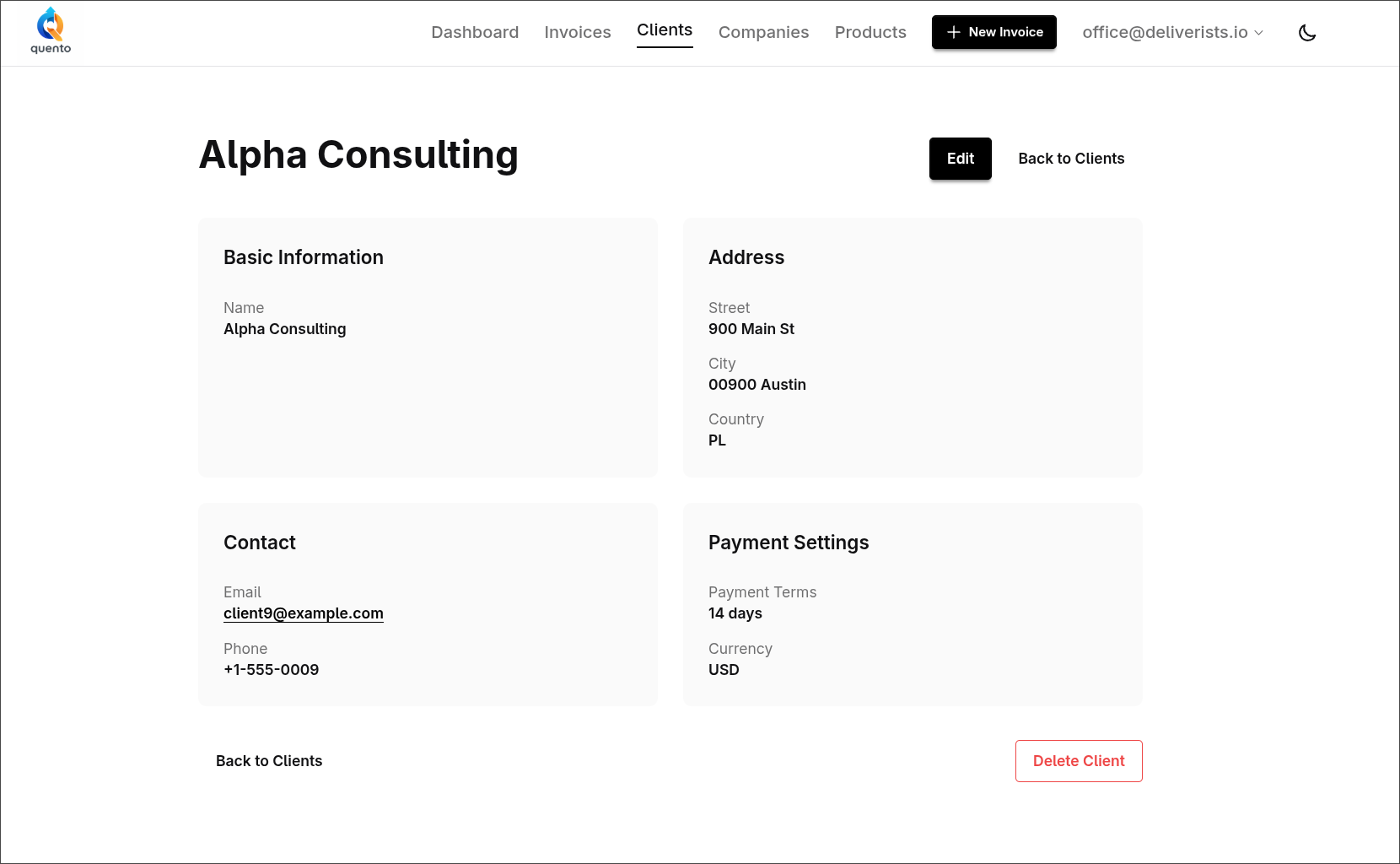
Before
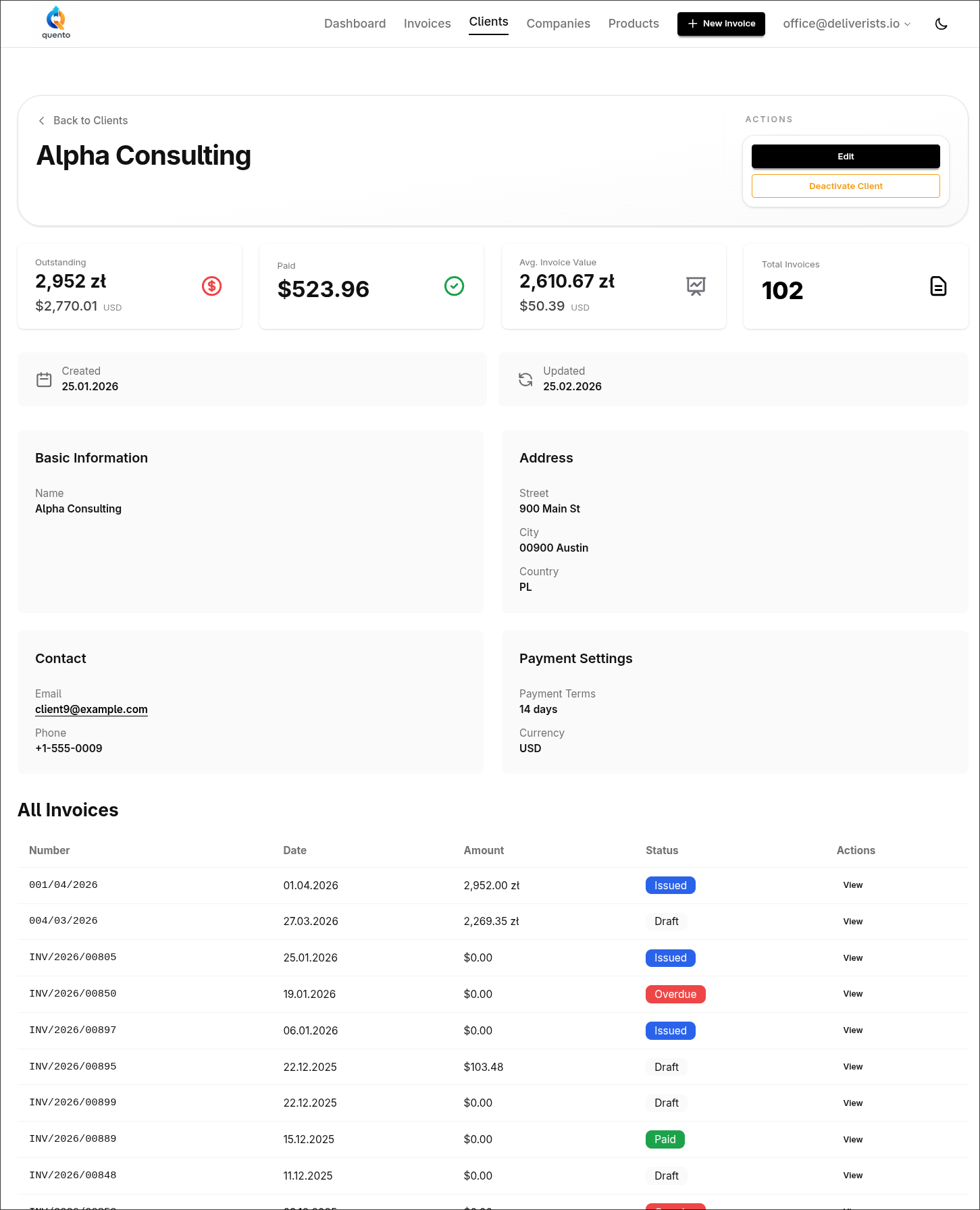
After
What's New
Invoice Statistics and History
See key metrics at a glance:
- Total Outstanding — unpaid invoices
- Total Paid — all paid invoices
- Average Invoice Value — typical invoice amount
- Invoice Count — total invoices for this client
Below the statistics, you'll find all invoices for this client in one table with status badges (Draft, Issued, Paid, Overdue) and quick navigation to any invoice.
All amounts support multiple currencies — no more mixing PLN with EUR or USD.
Try It
Open any client to see the new dashboard.
Questions or feedback? Email us at support@quento.app.
— The Quento Team