What's New

Stay up to date with the latest features and improvements

Recently Added

Install the Quento skill and manage invoices, clients, payments, analytics and KSeF from Codex, Claude Code, Cursor and other AI agents using secure MCP OAuth.

What if creating an invoice felt as natural as describing the work you completed?

Today we are releasing Quento Agent Skills: an open, installable skill that lets supported AI agents work with your Quento account in plain language.

Use it from Codex, Claude Code, Cursor, VS Code, Goose, Amp and other Agent Skills-compatible clients. Ask your agent to list recent invoices, prepare a draft, find a client, check paid revenue or submit an invoice to KSeF โ€” without leaving your current workspace.

Ask for the outcome, not the clicks

The skill understands complete invoicing workflows, so you can write requests such as:

  • โ€œShow my three latest invoices.โ€
  • โ€œCreate a draft invoice for 10 hours of consulting at 200 PLN per hour.โ€
  • โ€œAdd the client with NIP 5261040828.โ€
  • โ€œHow much revenue did we receive this month?โ€
  • โ€œMark invoice 001/08/2026 as paid.โ€
  • โ€œSubmit this invoice to KSeF.โ€

Your agent can use Quento to work with invoices, clients, seller companies, products, bank accounts, payment status, analytics and KSeF.

Built-in invoicing guardrails

This is more than a list of API calls. The skill teaches the agent how Quento works and how to avoid common accounting mistakes:

  • it resolves the correct client, company or invoice before making a change;
  • a supplied NIP or EU VAT number is checked against the company registry before creating a client;
  • invoice actions follow the draft, issued and paid states;
  • ambiguous payment instructions are clarified before recording a payment;
  • revenue and outstanding amounts remain separated by currency;
  • when a PLN company receives a price in USD or another currency, the agent retrieves a fresh, sourced exchange rate and confirms whether to keep the foreign-currency invoice or convert the prices โ€” it never silently relabels the amount.

Secure connection through MCP OAuth

Quento Agent Skills connects through Quento's official MCP server using standard browser-based OAuth. There are no API keys to copy into prompts or configuration files.

Your MCP client stores and renews its authorization, while Quento keeps the same account and access controls you already use.

Install with one command

npx skills add DeliveristsIO/quento-skills

The installer detects compatible agents. The skill then guides your agent through connecting https://quento.app/mcp; you only need to sign in to Quento and approve access in the browser.

Claude Code users can also install the Quento plugin, which bundles the skill and MCP connection:

/plugin marketplace add DeliveristsIO/quento-skills
/plugin install quento@deliverists

The skill is publicly available on GitHub, so teams can inspect the workflows and always see exactly what their agent has been taught.

Install Quento Agent Skills โ†’

Open Quento โ†’

โ€” The Quento Team

All Updates

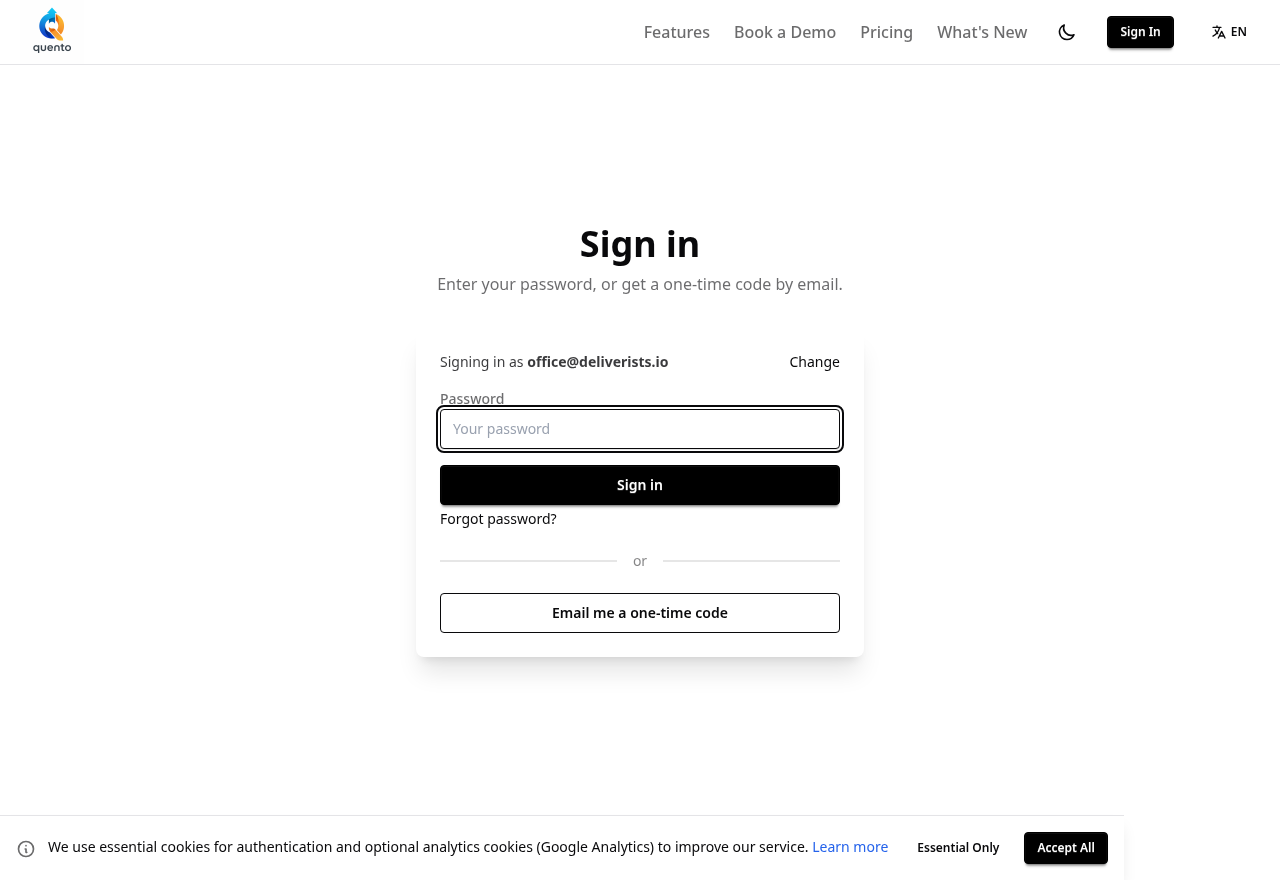
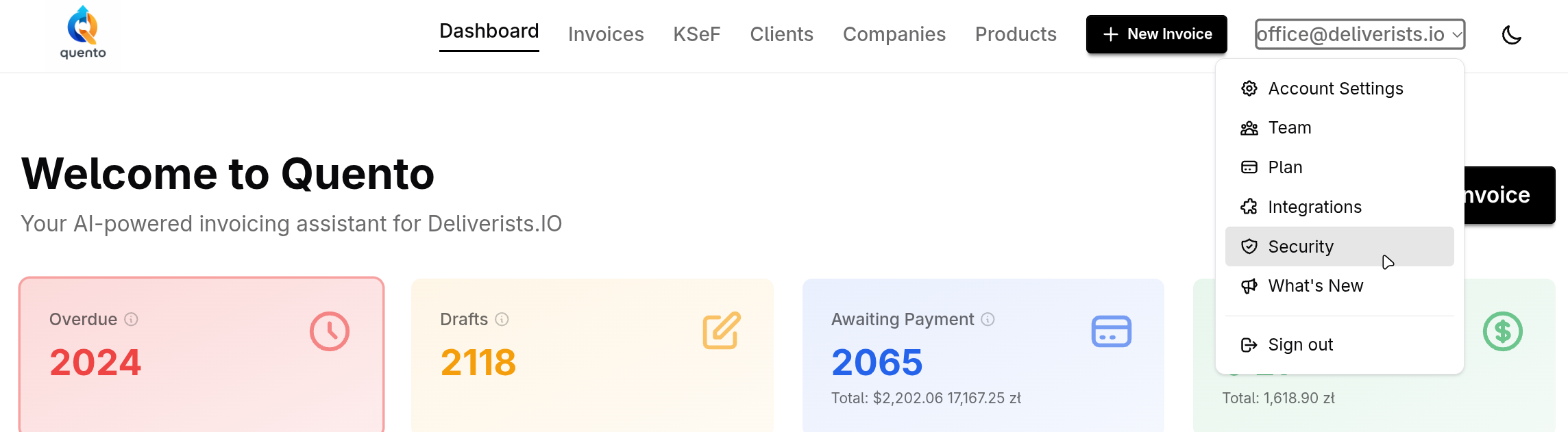
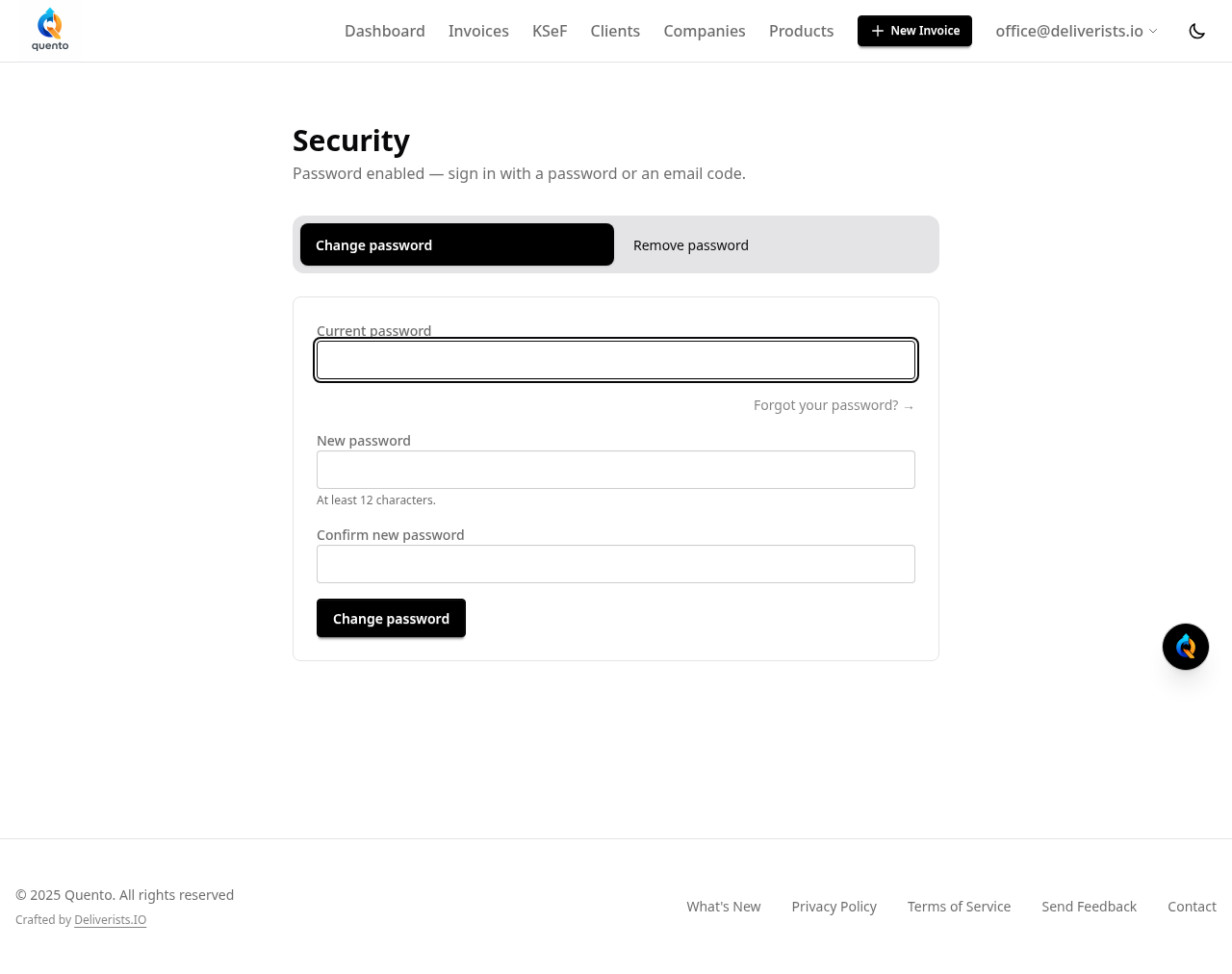
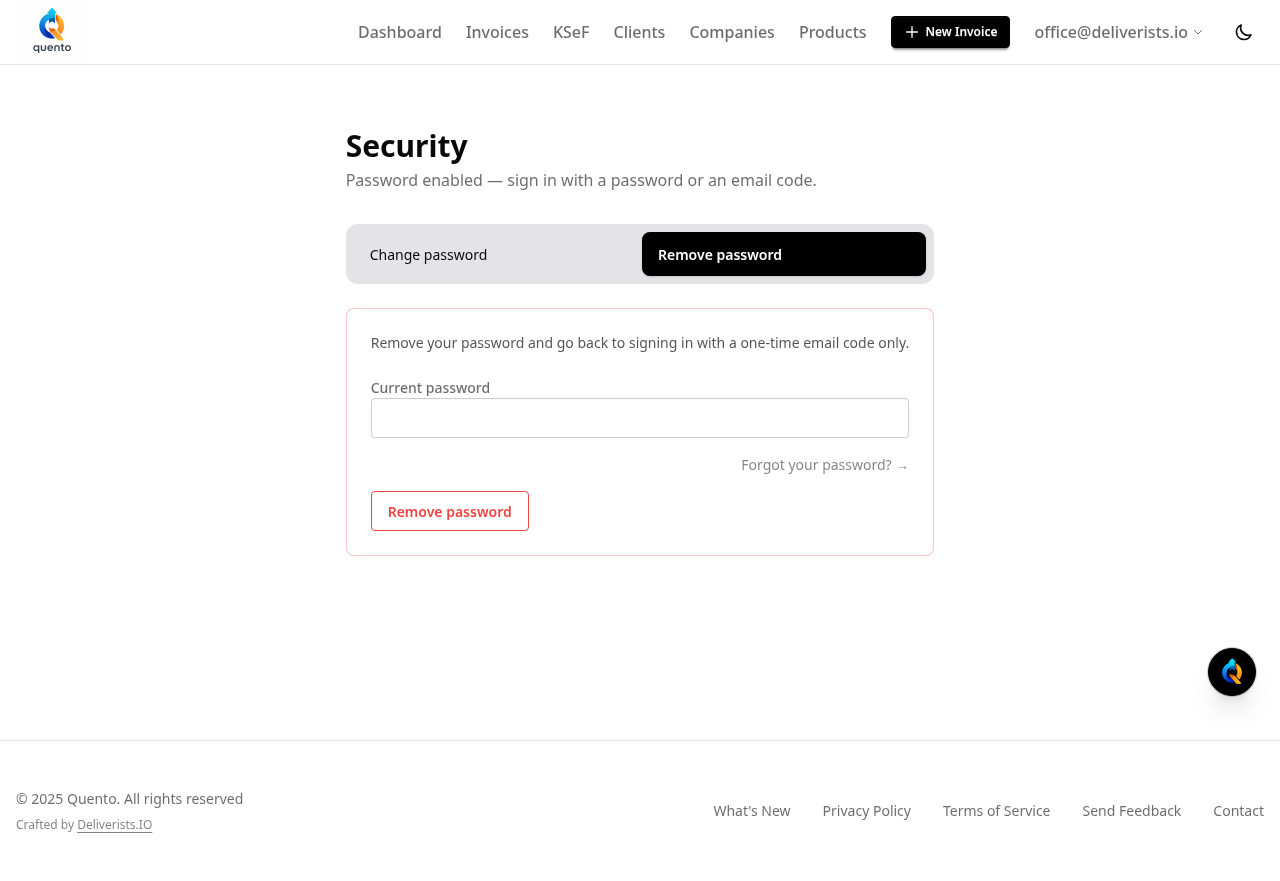
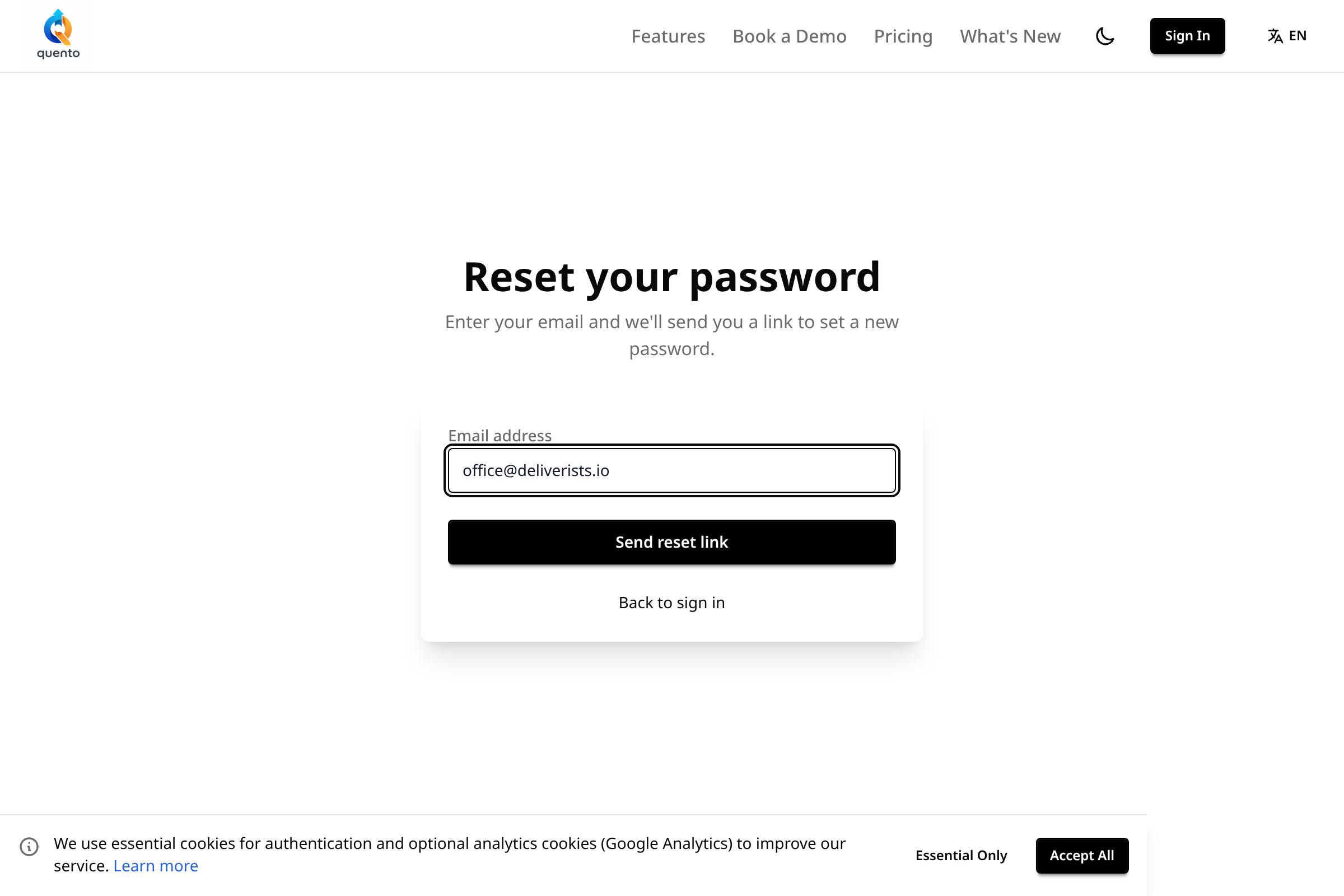
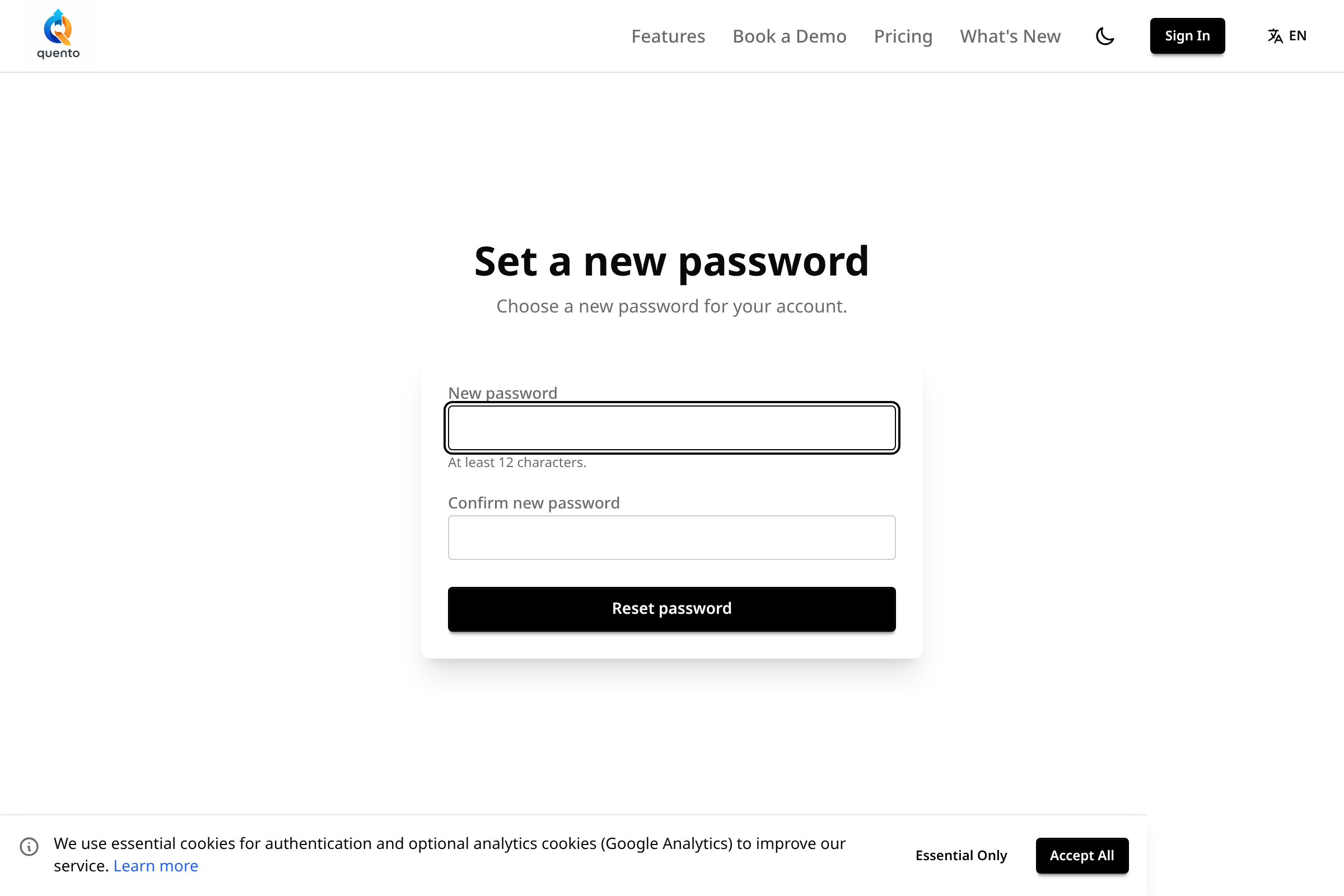
New in Quento: Sign in with a password or email code

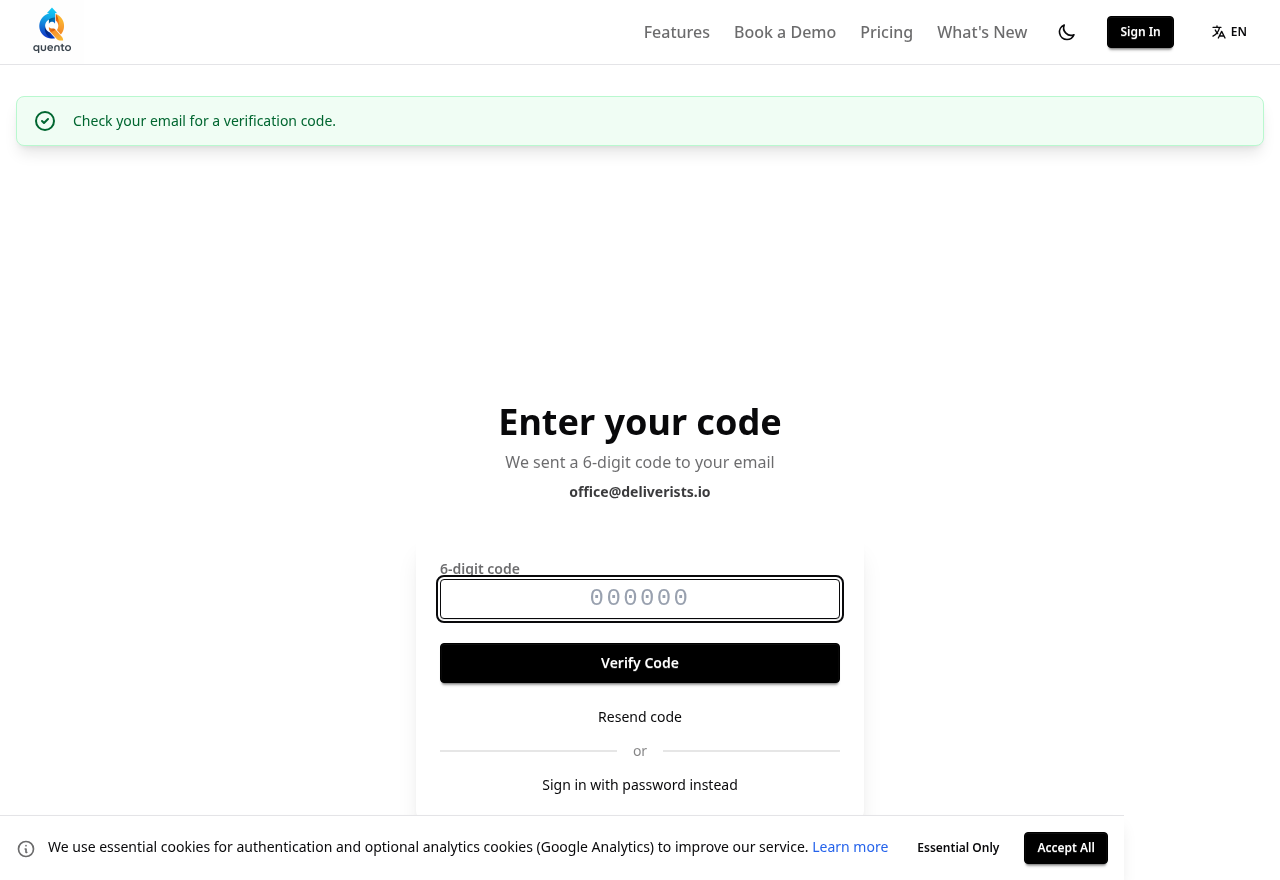
You can now sign in to Quento with a password or a one-time code sent to your email. Setting a password is optional โ€” the email code always works.

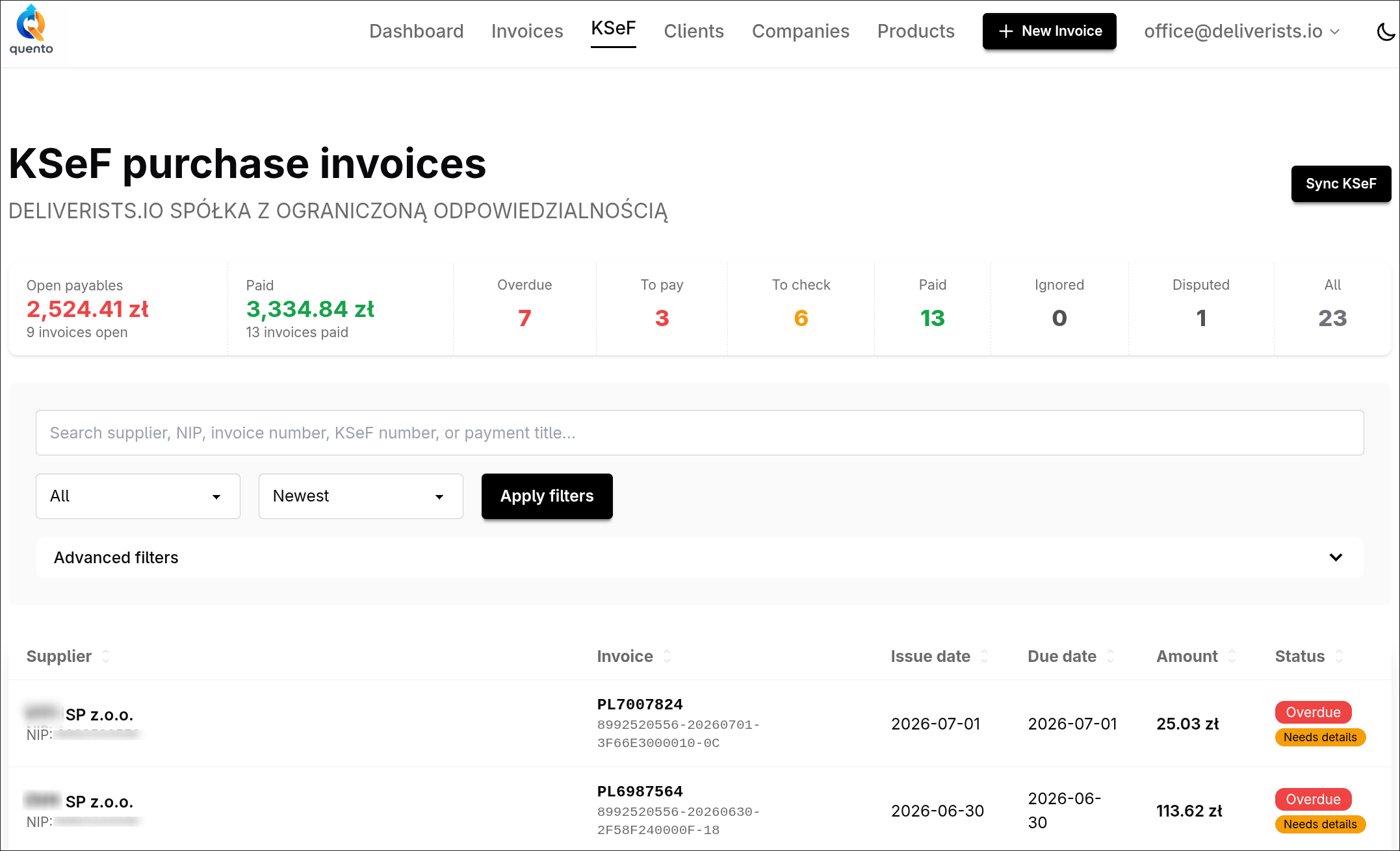
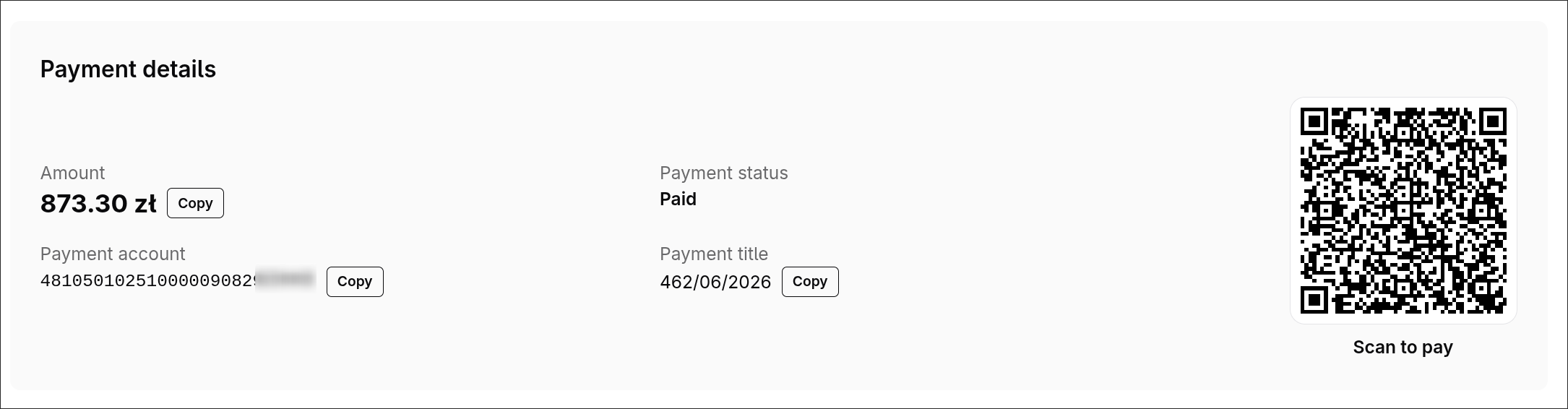
Your Supplier Invoices, Pulled Straight From KSeF

Quento now pulls your purchase invoices from KSeF with the supplier, amount, due date and bank account already filled in โ€” and gives you a ready-to-scan transfer QR. See what's open, overdue, and paid in one place.

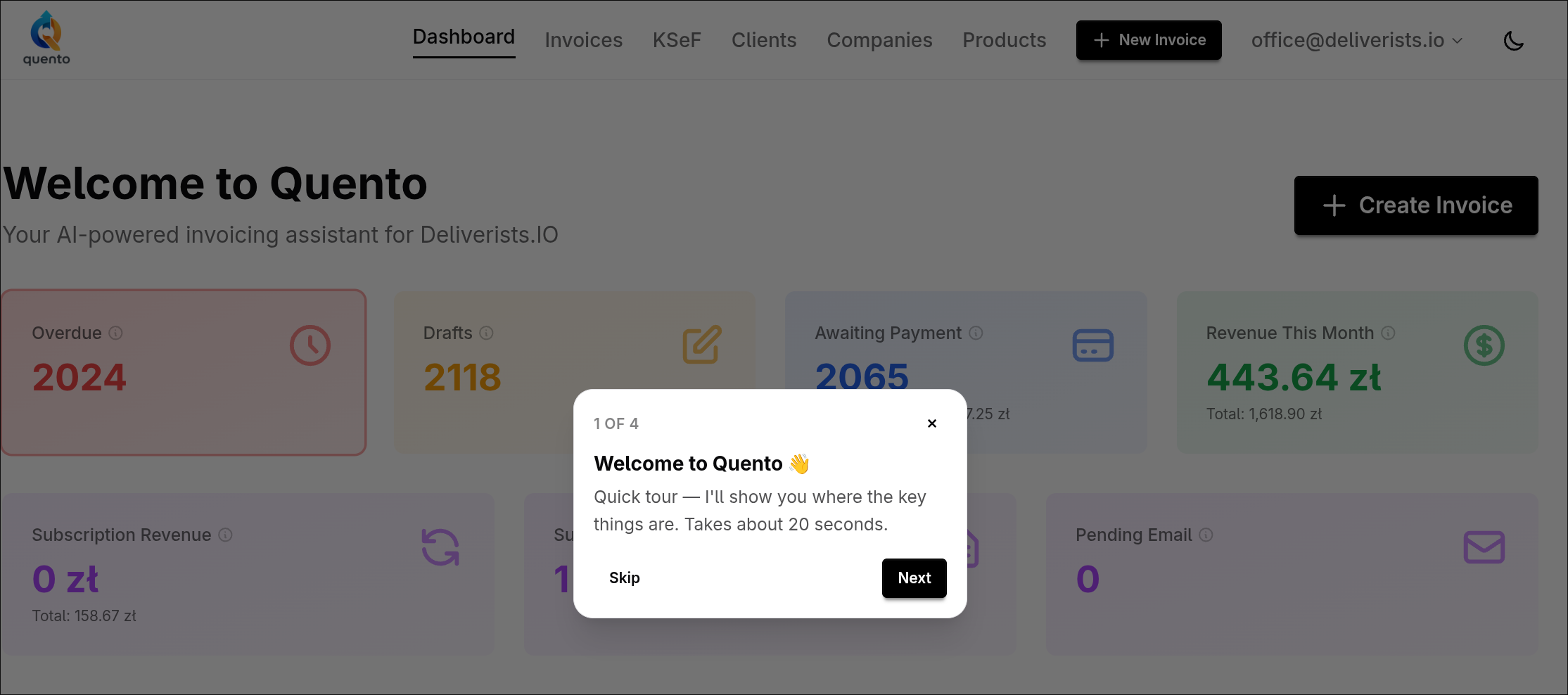
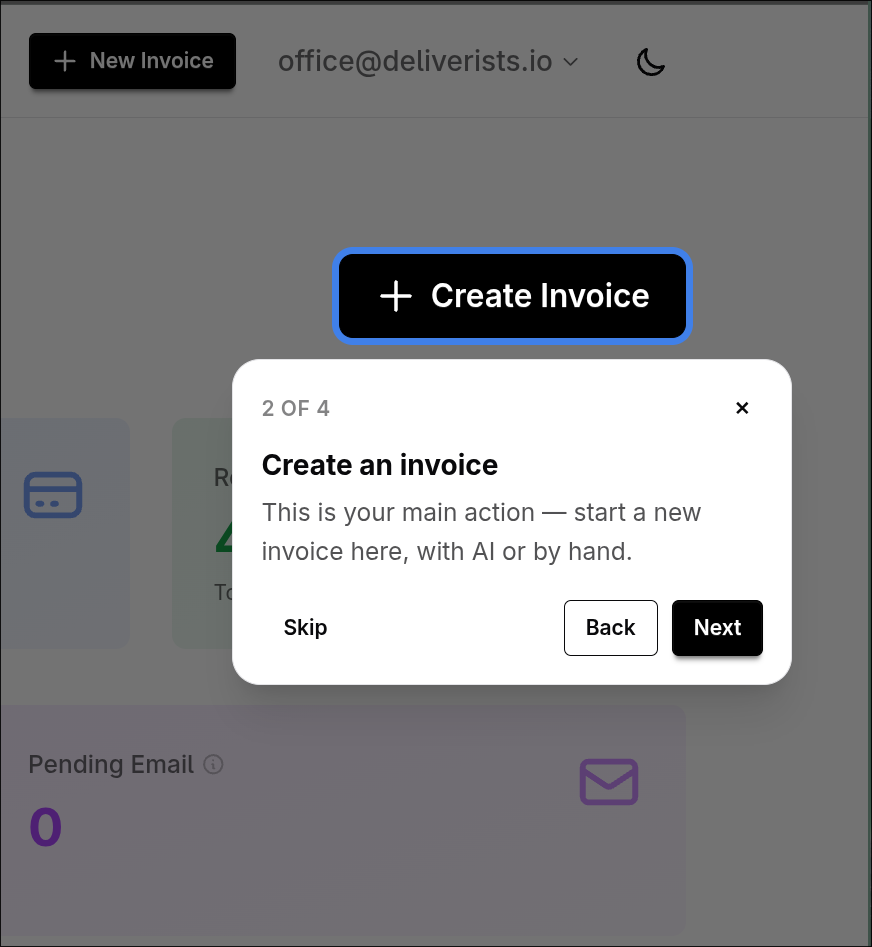
New Here? Quento Now Shows You Around

A short, friendly guided tour now walks new users through Quento โ€” where to create an invoice, how to read your numbers, and how to get going in about 20 seconds. Skippable, replayable, never in your way.

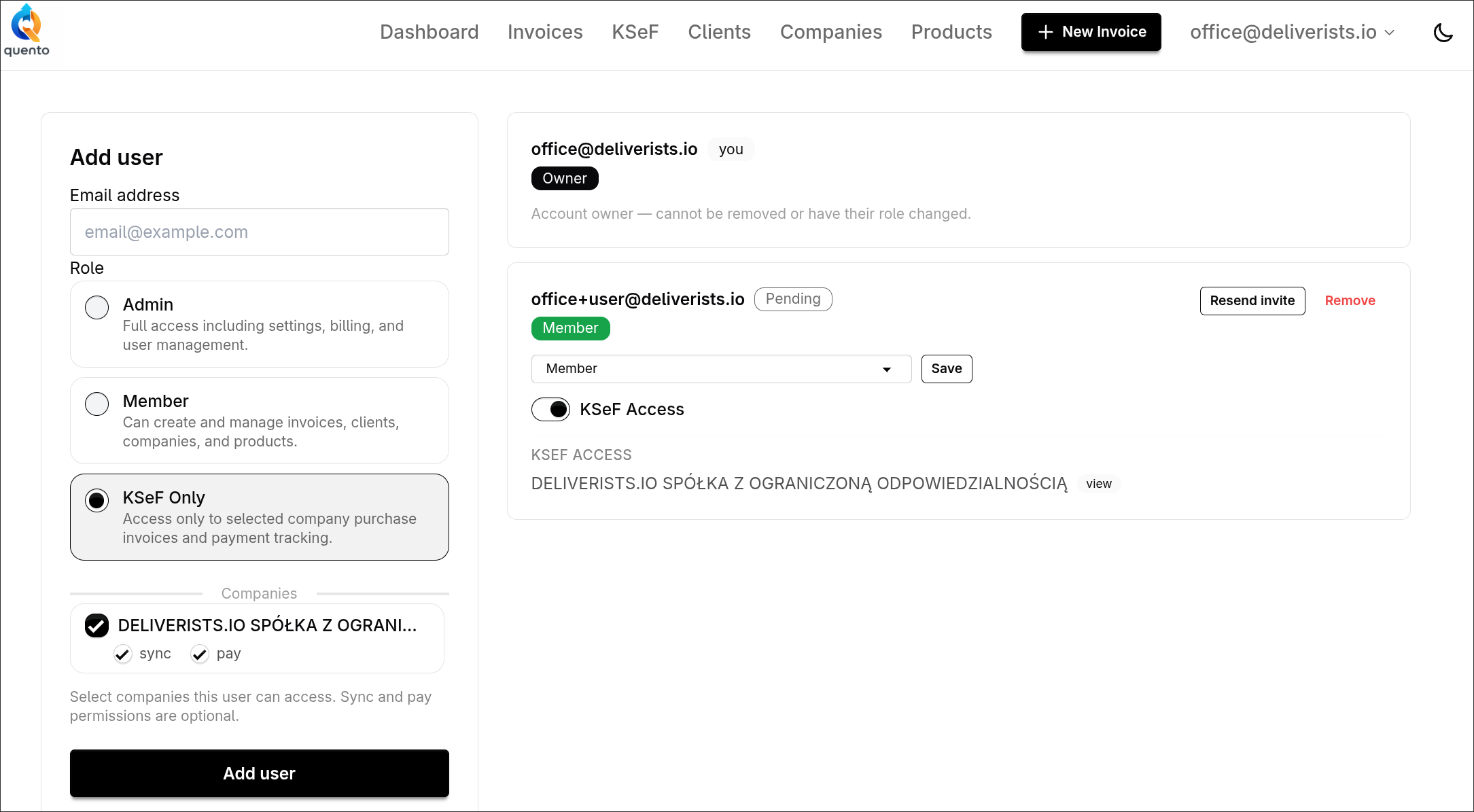
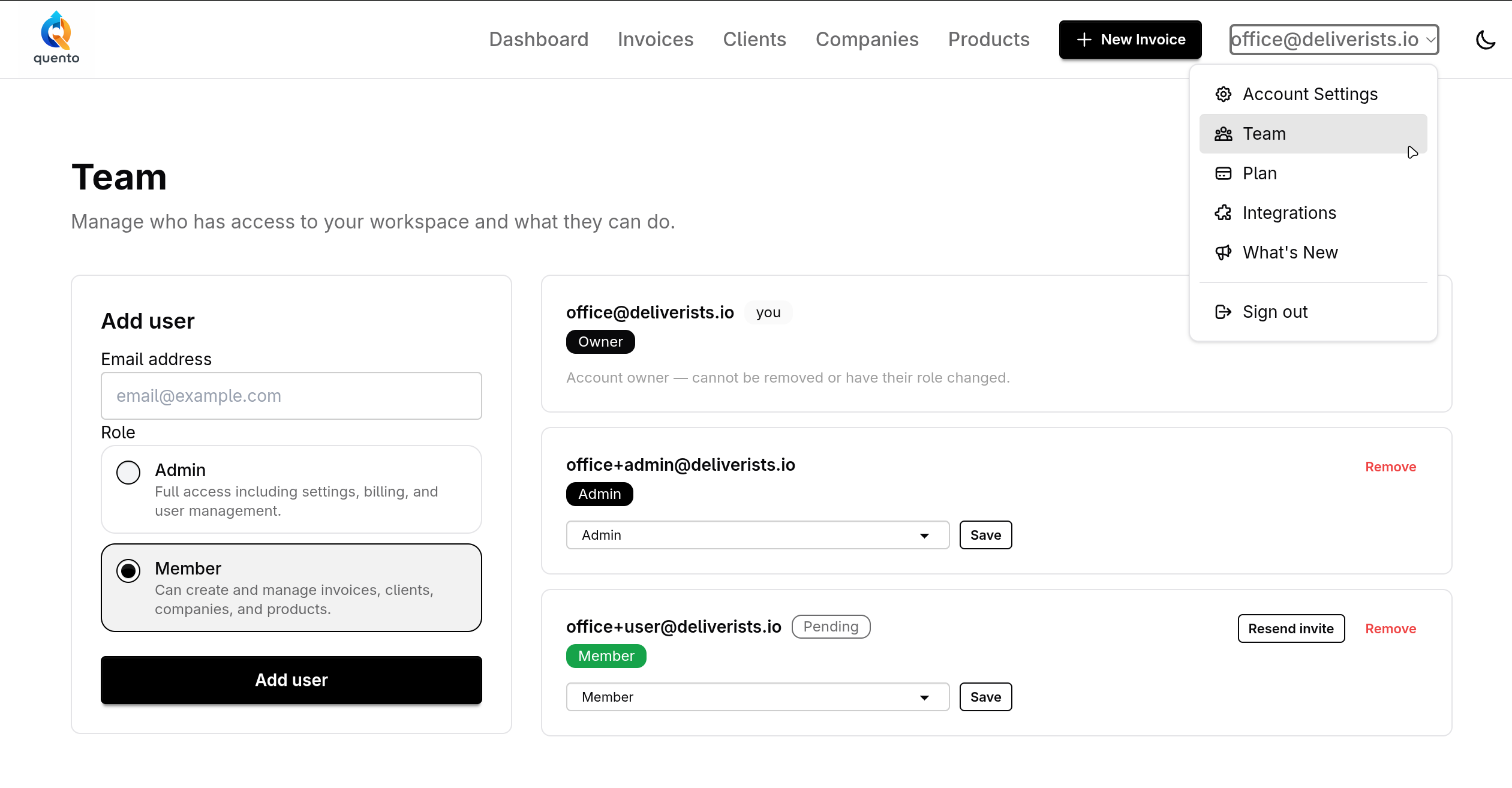
Invite Your Team and Control Who Does What

Invite team members, assign roles, and control exactly what each person can see and do in your Quento account.

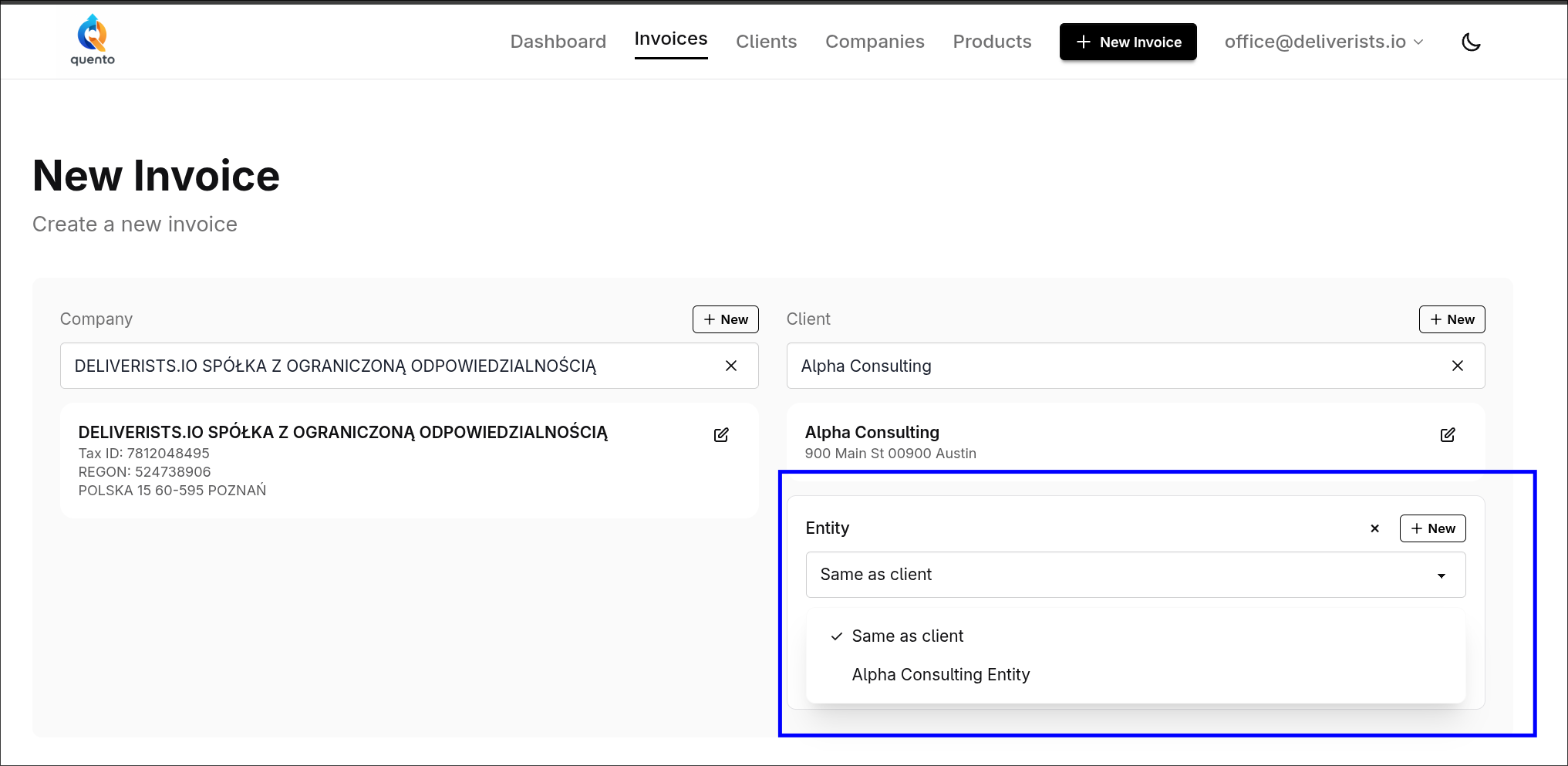
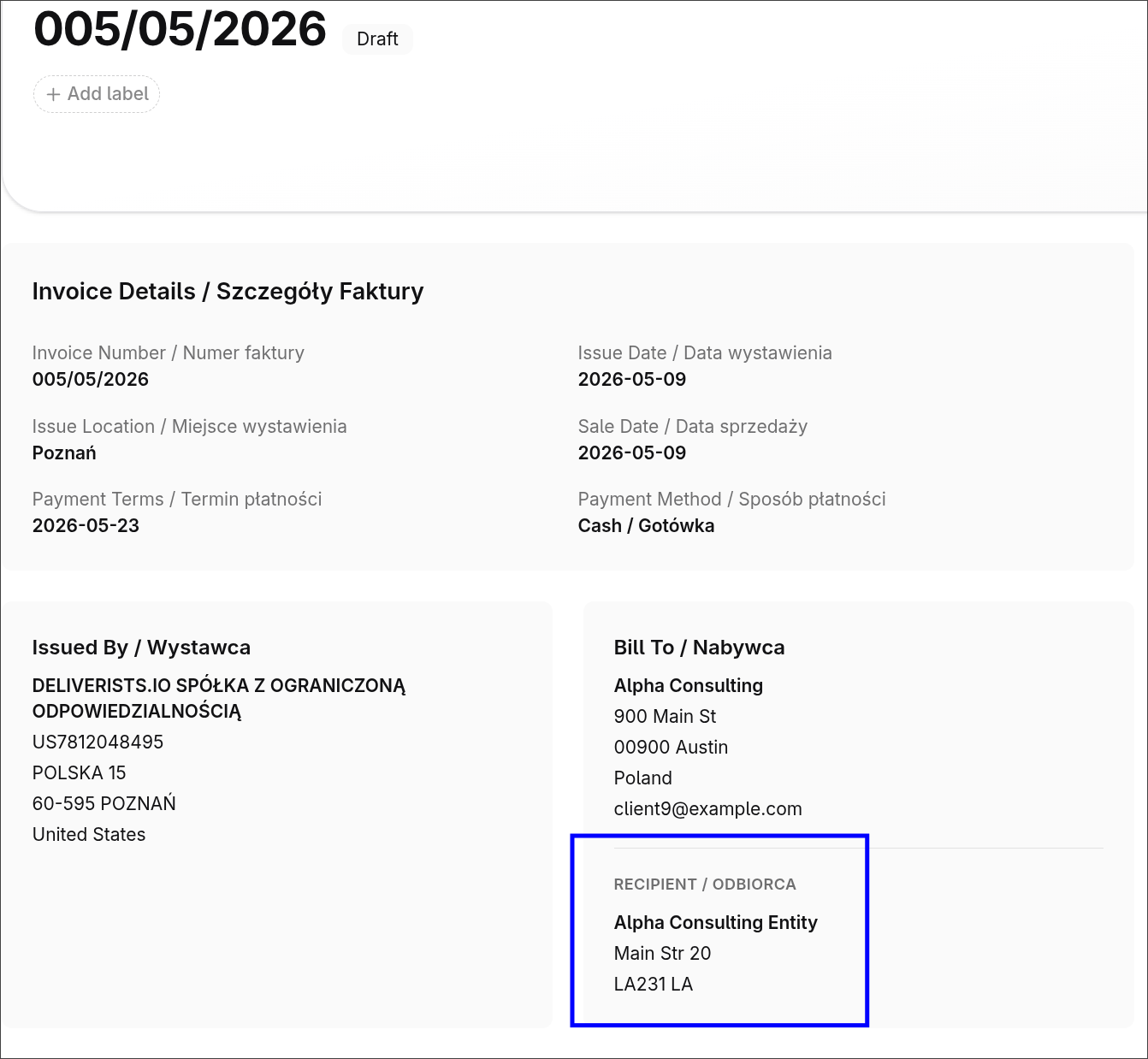
Add an Entity to an Invoice

Add a department, branch, or separate recipient to an invoice without duplicating client data.

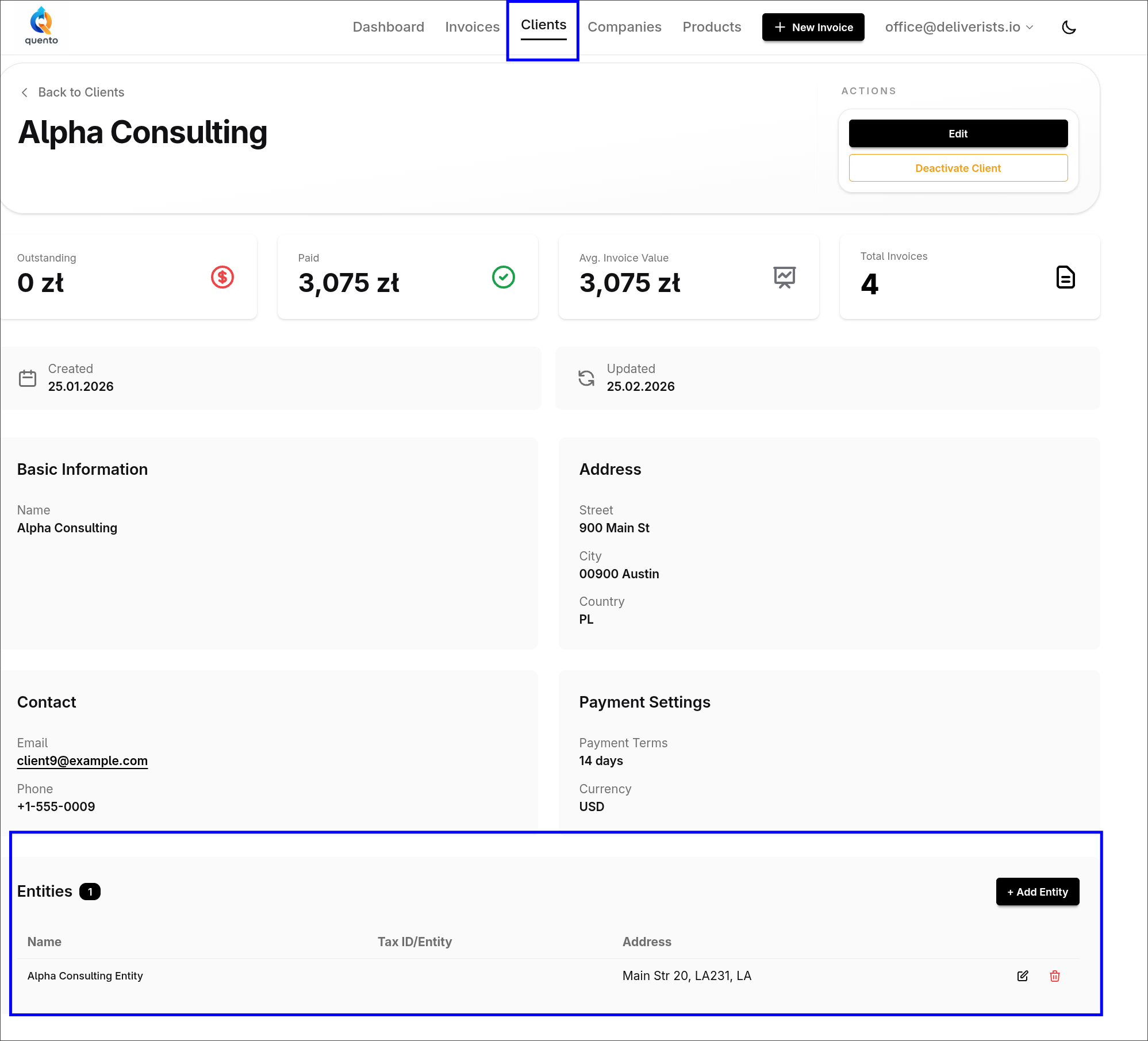
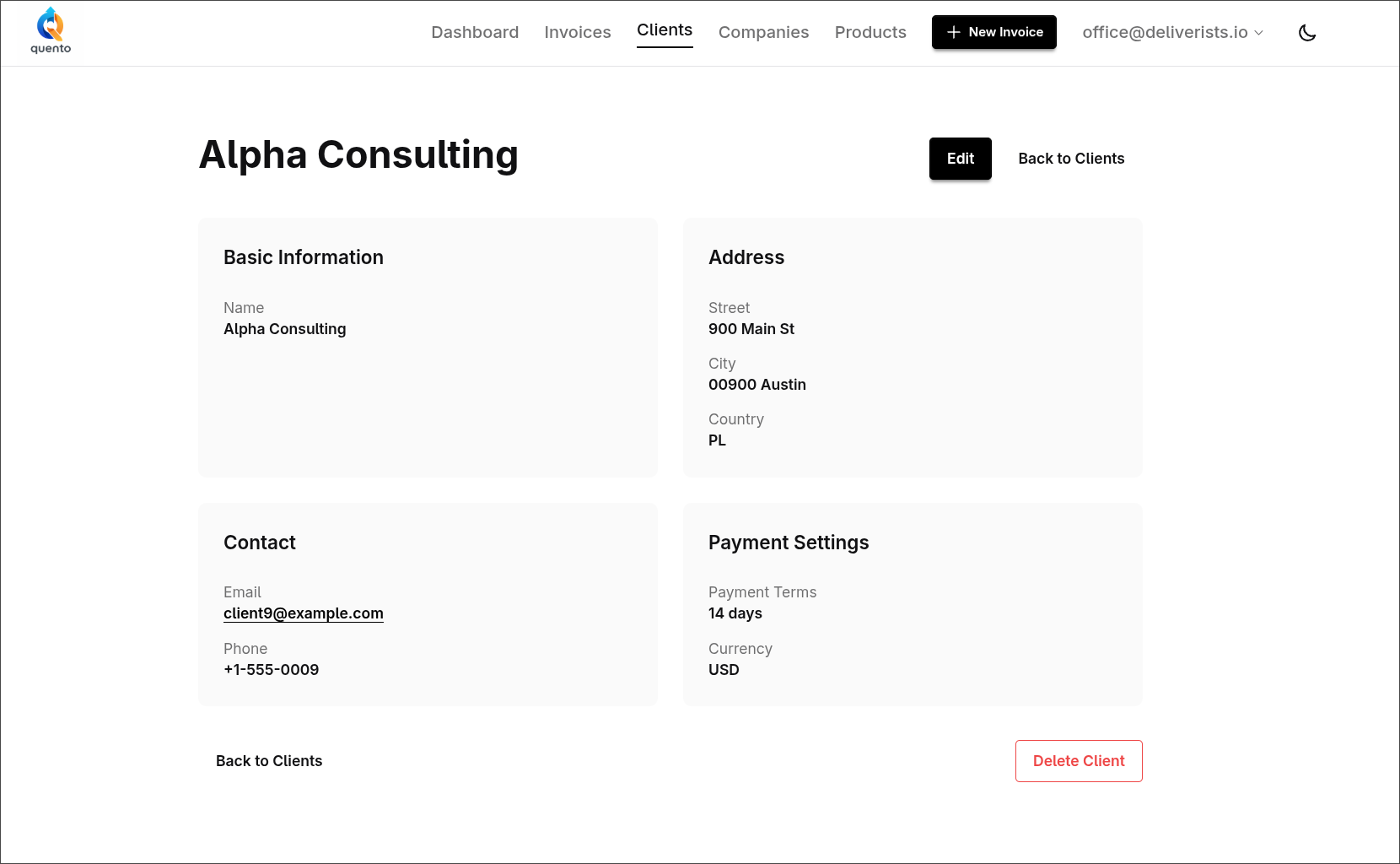
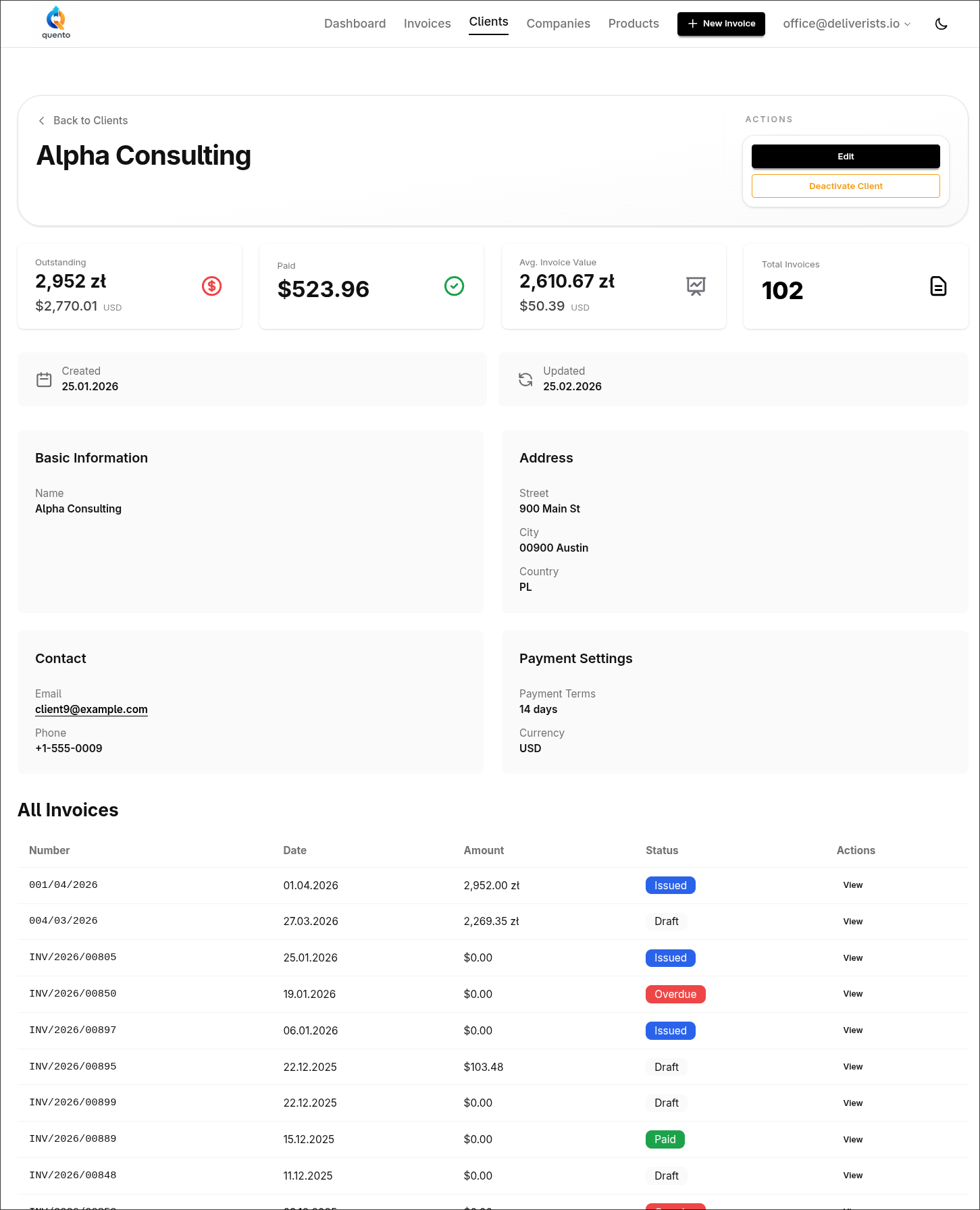
Client Page Redesign - See Everything in One Place

The new Quento client page shows invoice statistics, payment history, and all client details in one beautiful dashboard.

Meet Quento AI Chat - Create Invoices with Natural Language

Quento AI Chat lets you create invoices, update clients, and check payments using natural language commands. Built-in voice input. No more manual forms.

Server Migration Complete

We successfully migrated Quento to a new dedicated server for improved performance and reliability.

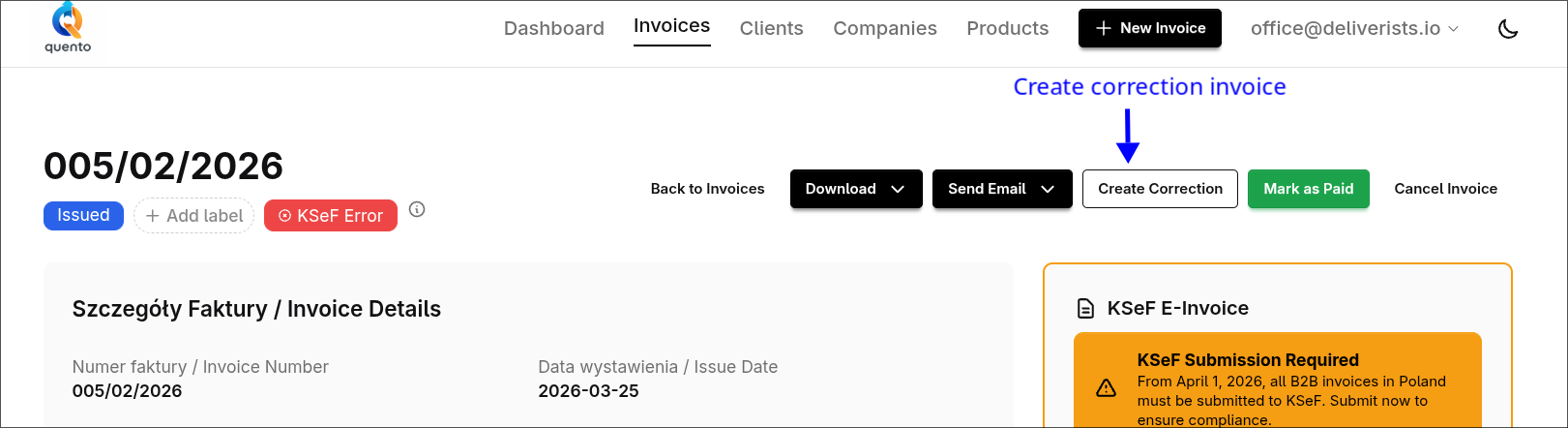
Correction Invoices in Quento - Fix Mistakes Instantly

Create legally-compliant correction invoices linked to originals. Full KSeF support for Polish corrections. Automatic PDF generation with correction badges.

Searchable Client & Company Selection

Quickly find and select clients and companies when creating invoices with our new searchable dropdown. No more scrolling through long lists!

Quento Now Supports KSeF - Poland's National e-Invoice System

Submit invoices directly to Poland's KSeF system with one click. Free KSeF integration in all plans.

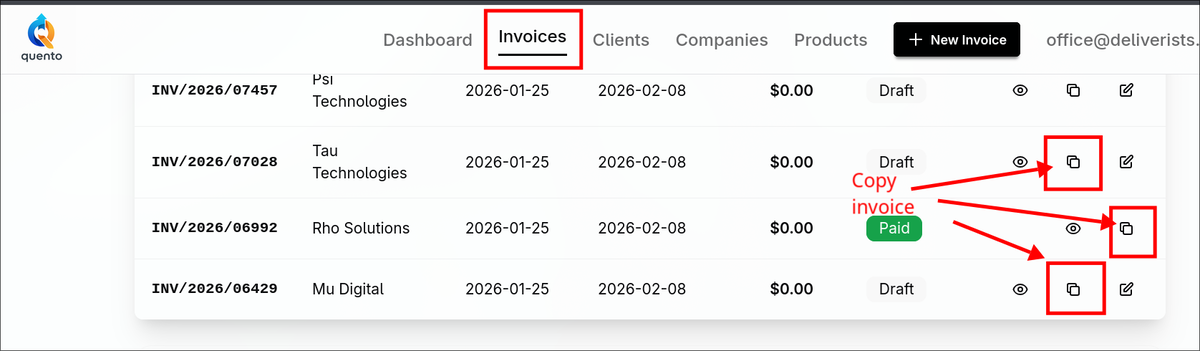
Copy Invoices to Save Time on Similar Bills

Quickly duplicate existing invoices with all items, labels, and settings preserved. Perfect for recurring clients and similar jobs.

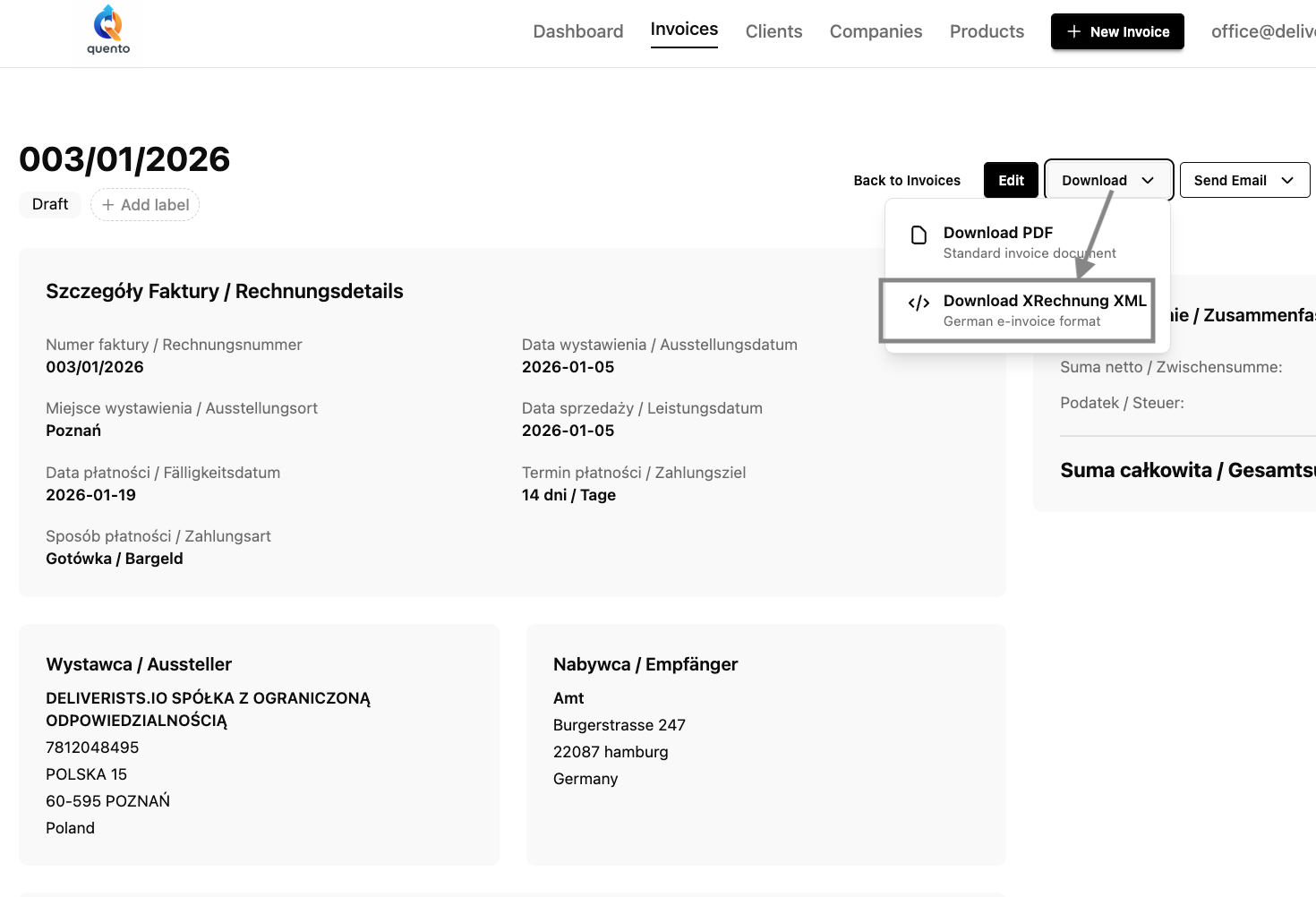
Quento Now Supports XRechnung - Germany's E-Invoicing Standard

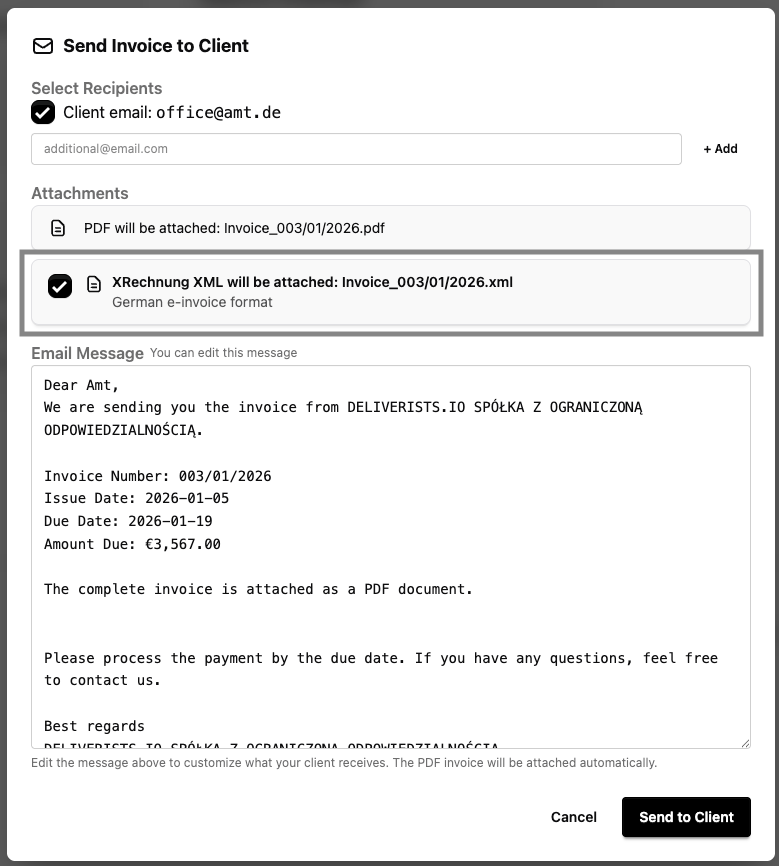
Create legally compliant German XRechnung 3.0 e-invoices automatically. ELSTER validated, PEPPOL compatible, EN 16931 compliant. Free in all plans.

Quento is Now a Mobile App!

Install Quento on your phone like a native app. No app store needed - just open, click, and add to home screen for instant invoicing on the go.

New Feature: Keep Your Accountant in the Loop

Never forget to send invoice copies to your accountant again. Set up your accounting email once, and send clean bookkeeping copies with a single click.

Happy New Year 2026 from Quento!

Wishing you a prosperous year ahead filled with growth, success, and smooth invoicing. Here's to making 2026 your best year yet!

Welcome to Quento - Start Invoicing with AI Today

Quento is invoicing software with AI, multi-currency, KSeF & XRechnung. Try 160+ currencies, 3 languages, and ChatGPT-powered invoicing for free.