Upload Your KSeF-Generated Certificate to Quento
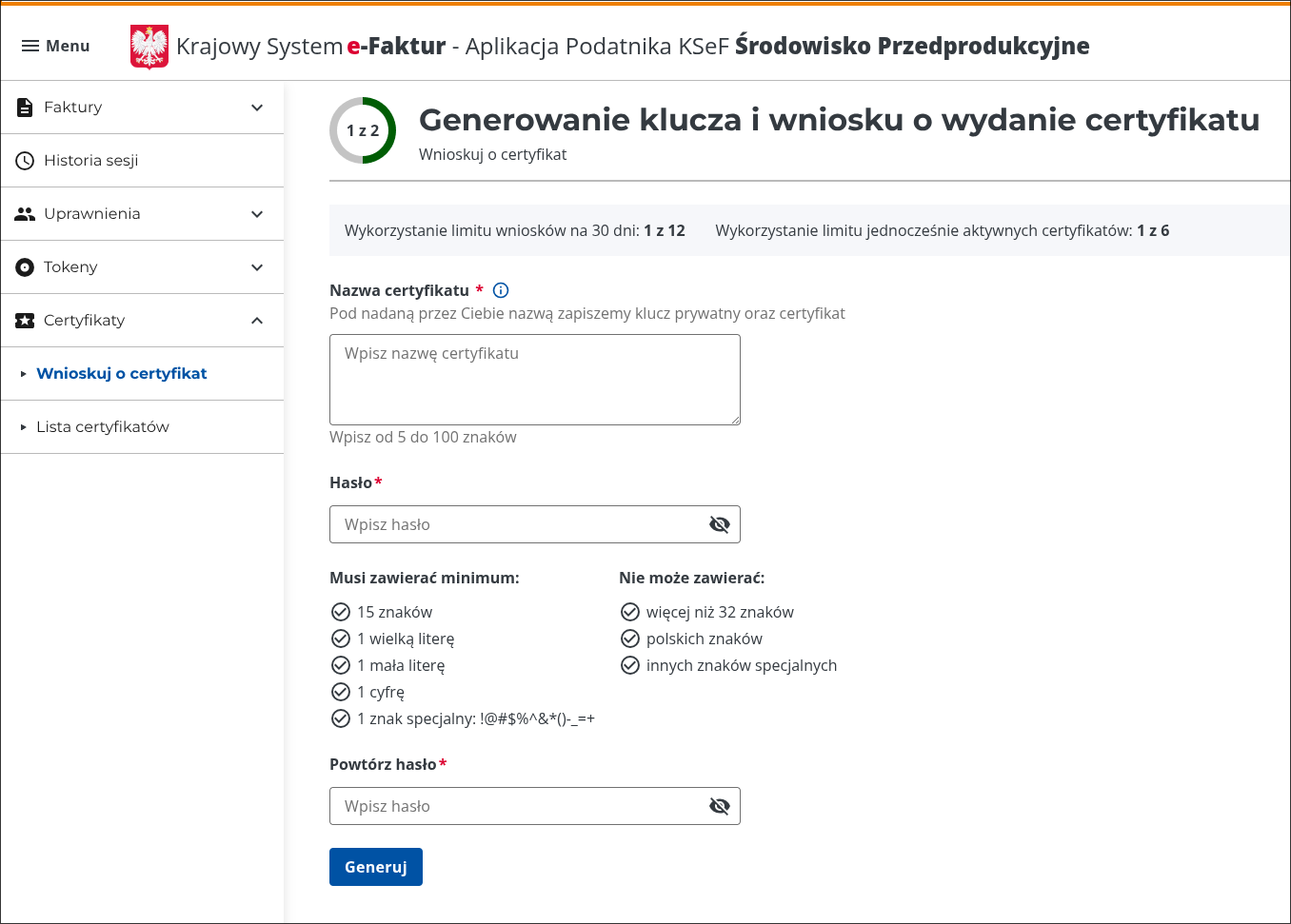
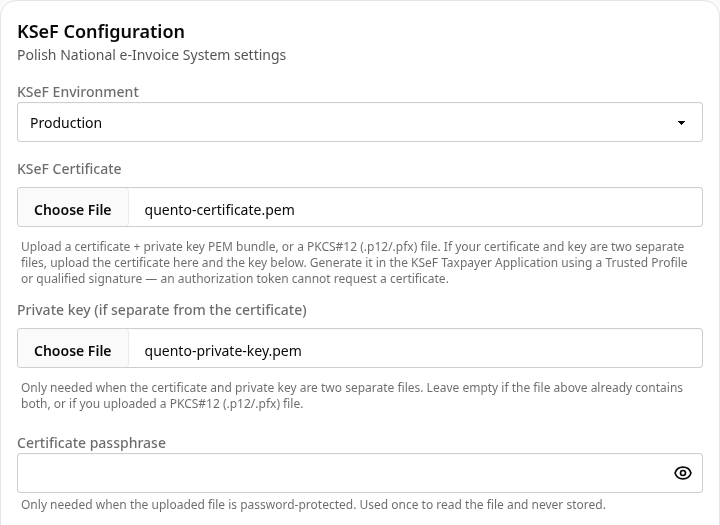
KSeF tokens are currently scheduled to work only through 2026. Download your certificate in KSeF and upload the generated files to Quento.
Stay up to date with the latest features and improvements
KSeF tokens are currently scheduled to work only through 2026. Download your certificate in KSeF and upload the generated files to Quento.
Install the Quento skill and manage invoices, clients, payments, analytics and KSeF from Codex, Claude Code, Cursor and other AI agents using secure MCP OAuth.
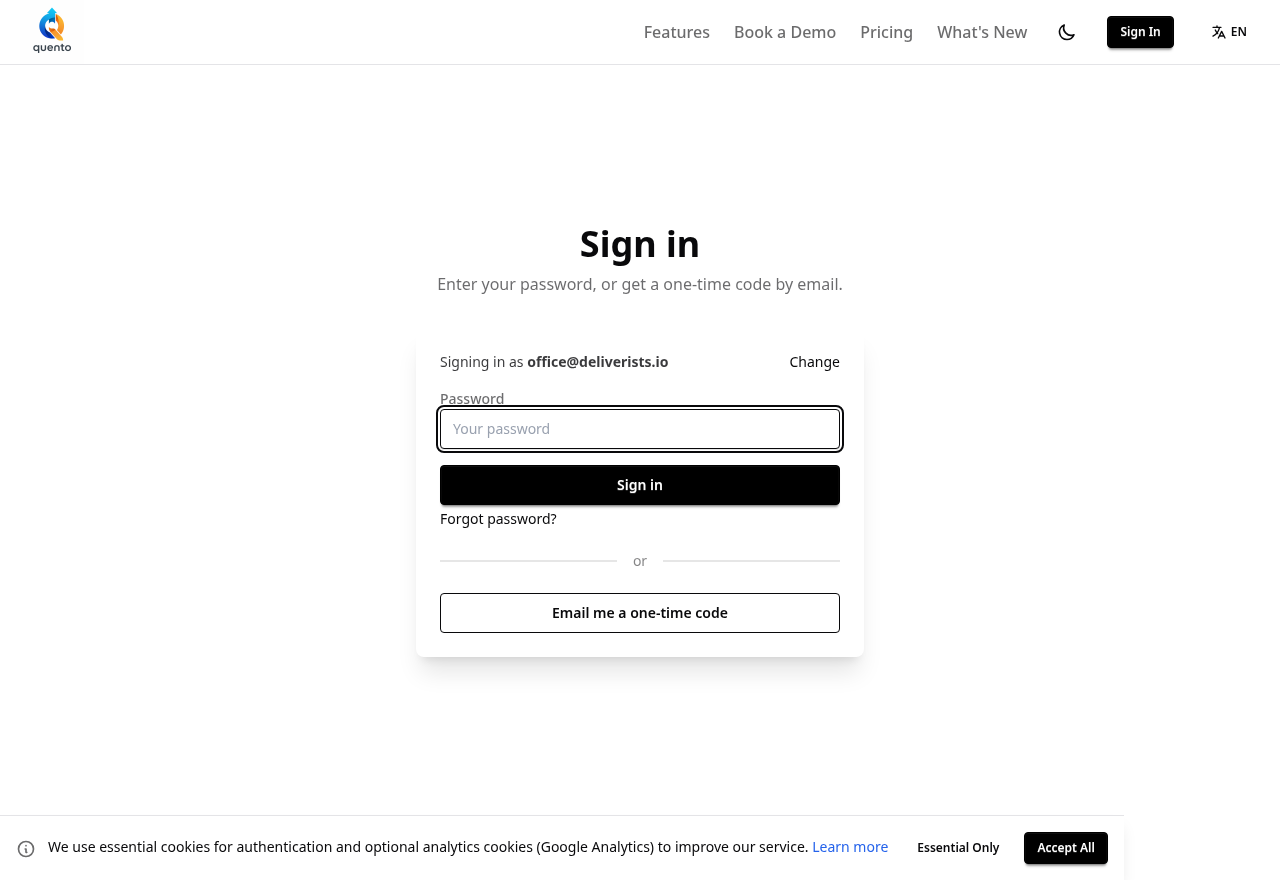
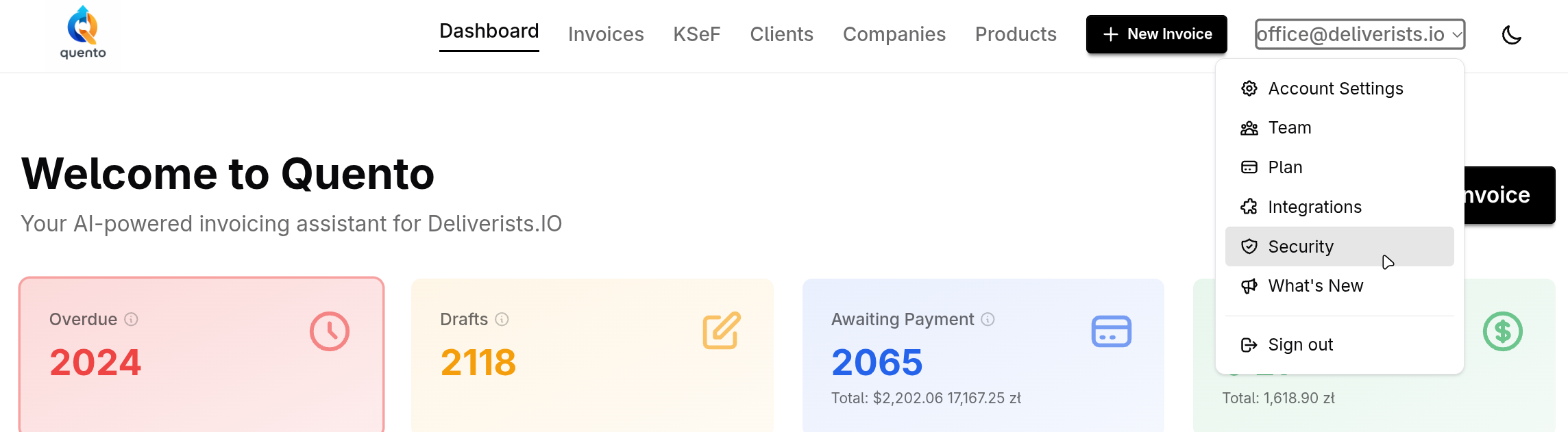
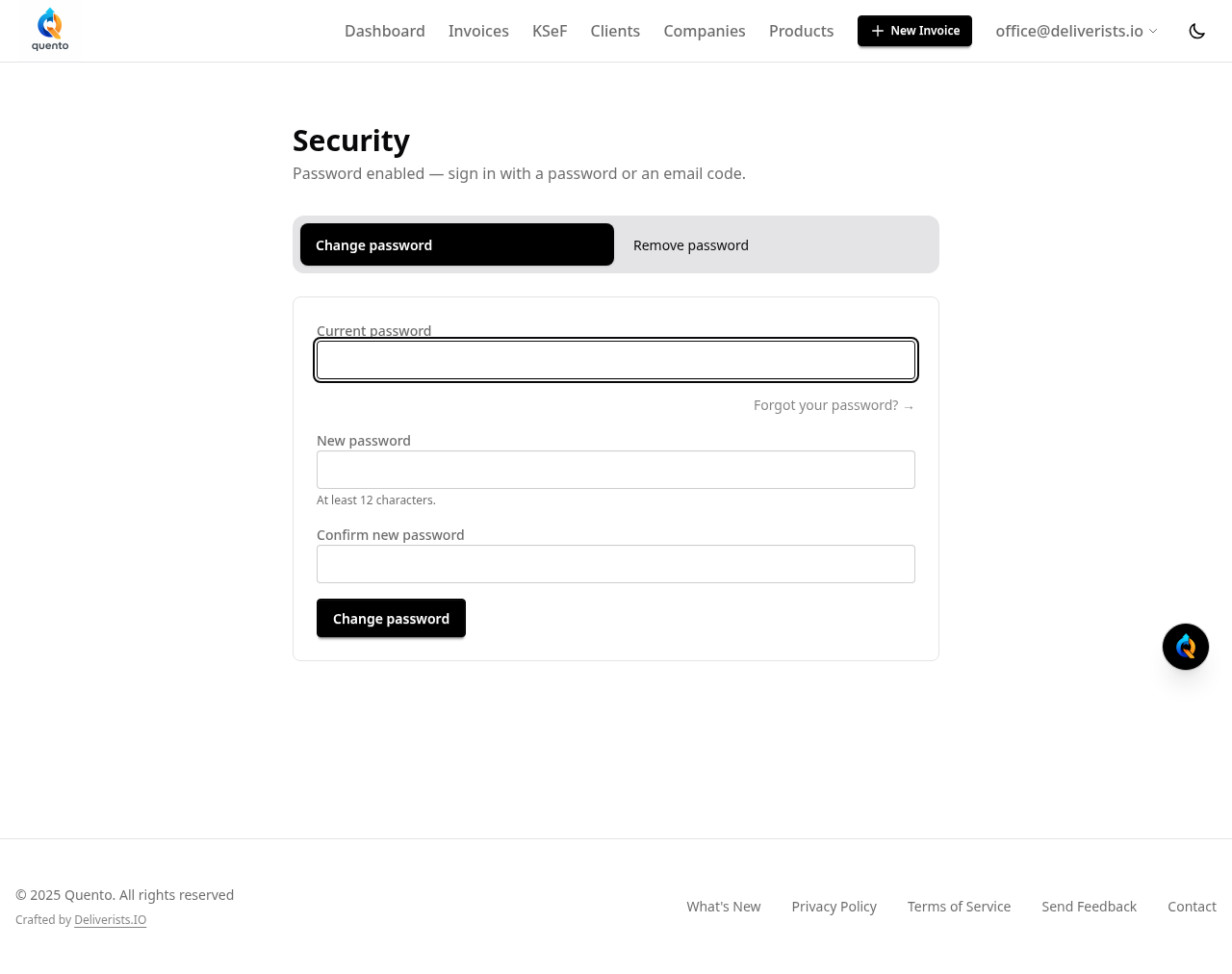
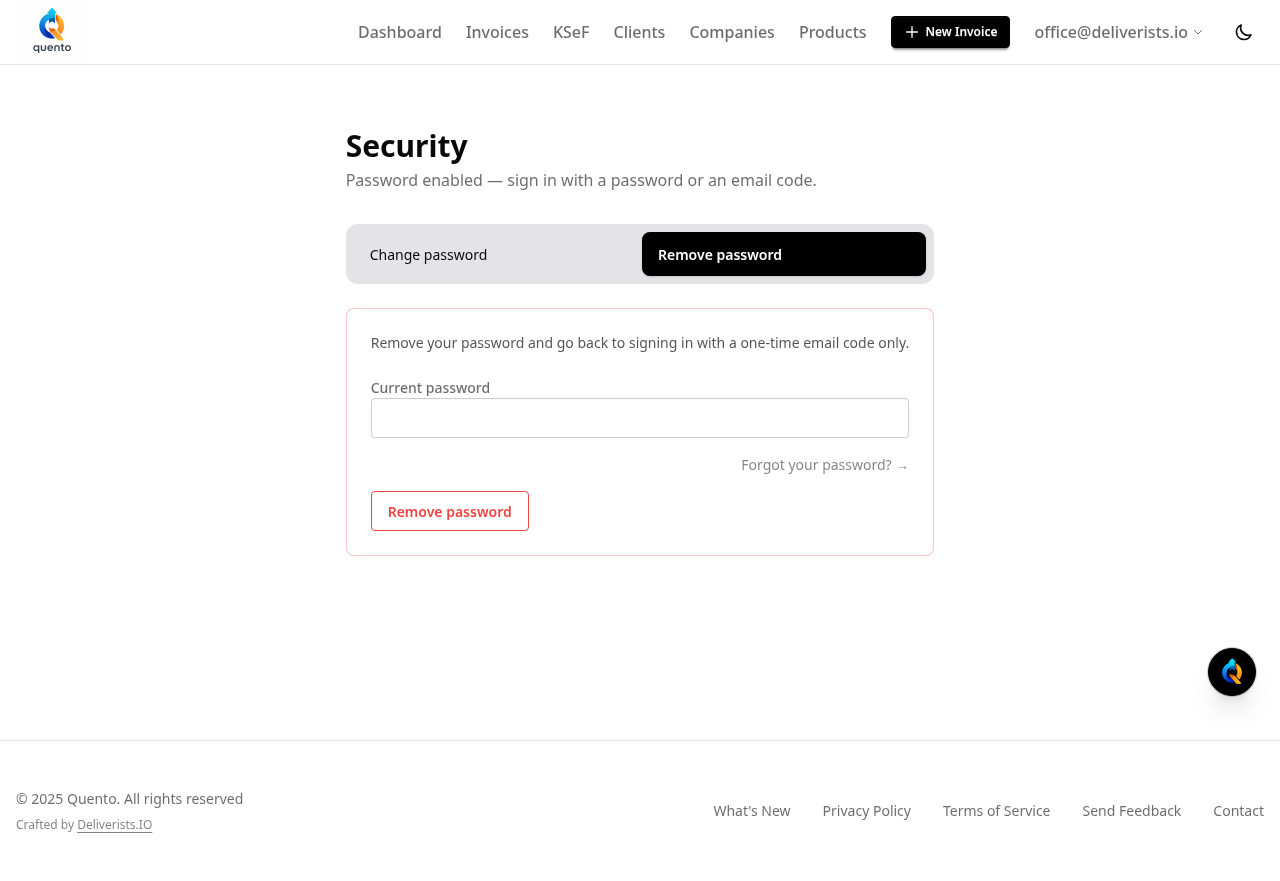
You can now sign in to Quento with a password or a one-time code sent to your email. Setting a password is optional — the email code always works.
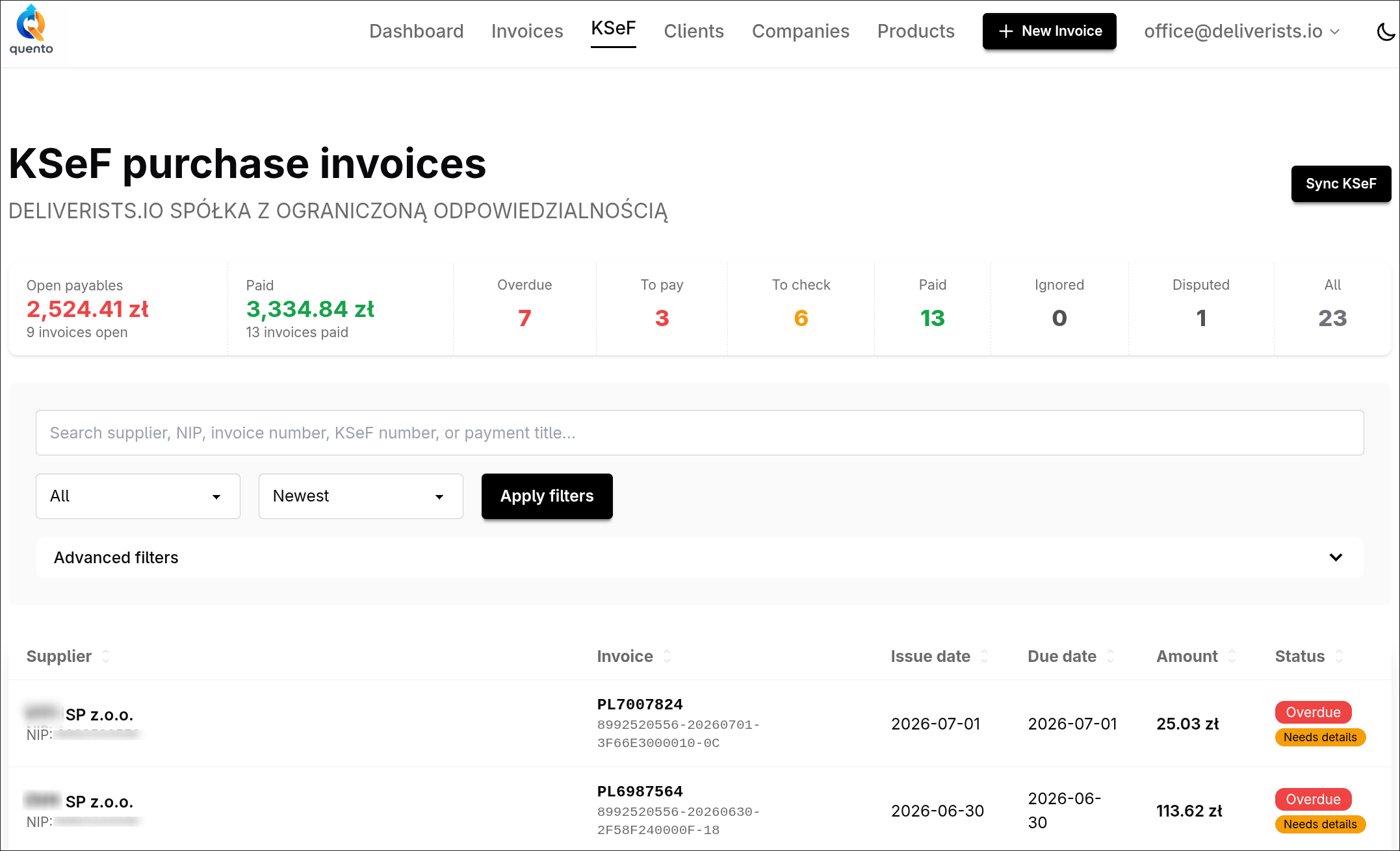
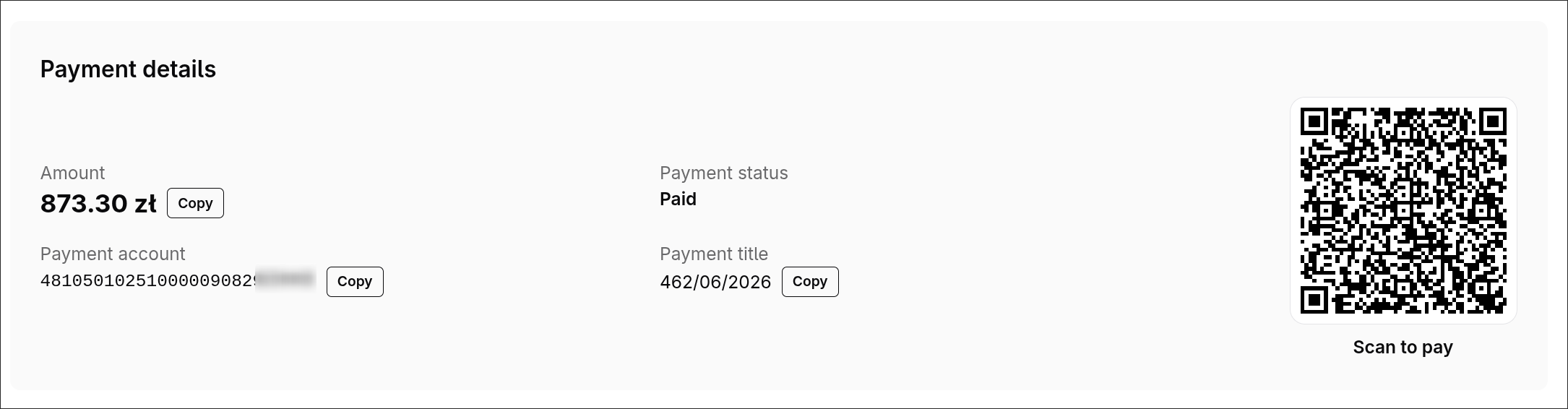
Quento now pulls your purchase invoices from KSeF with the supplier, amount, due date and bank account already filled in — and gives you a ready-to-scan transfer QR. See what's open, overdue, and paid in one place.
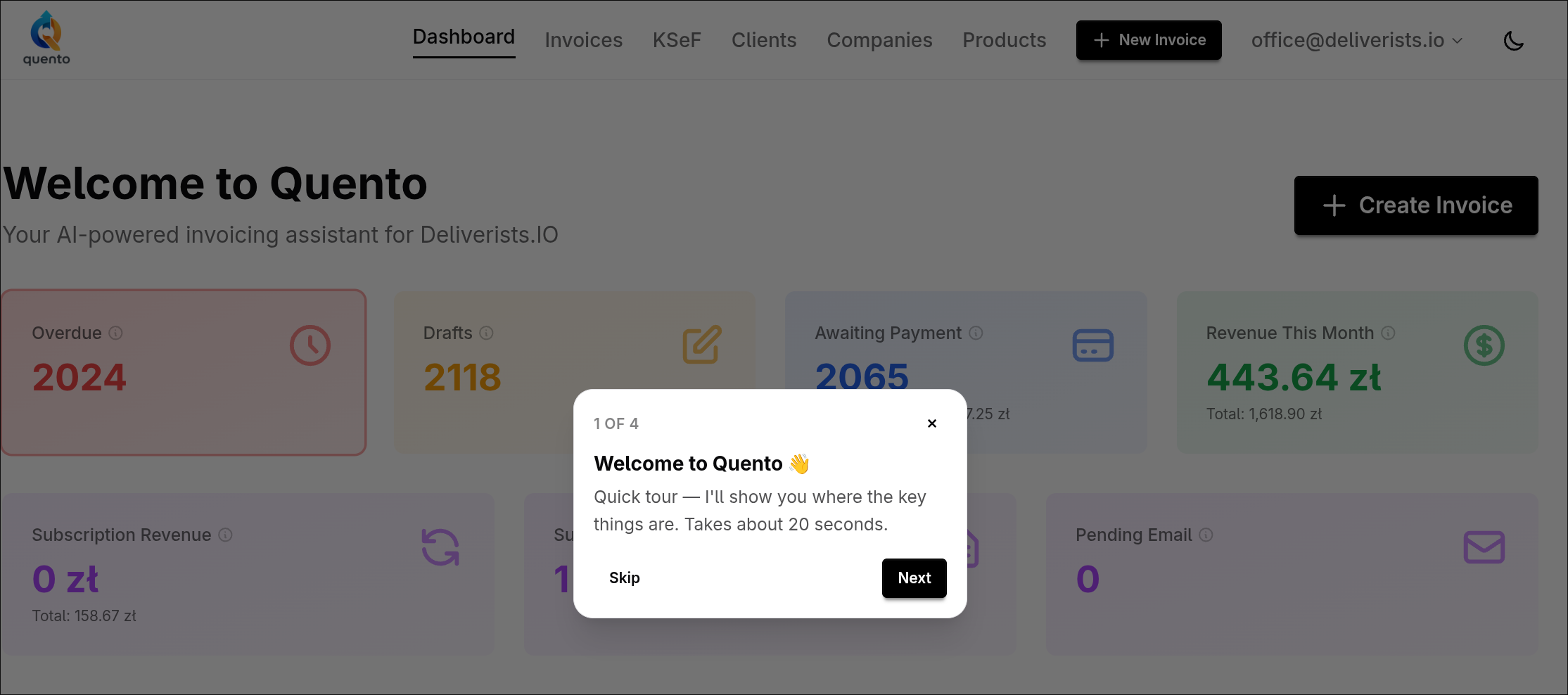
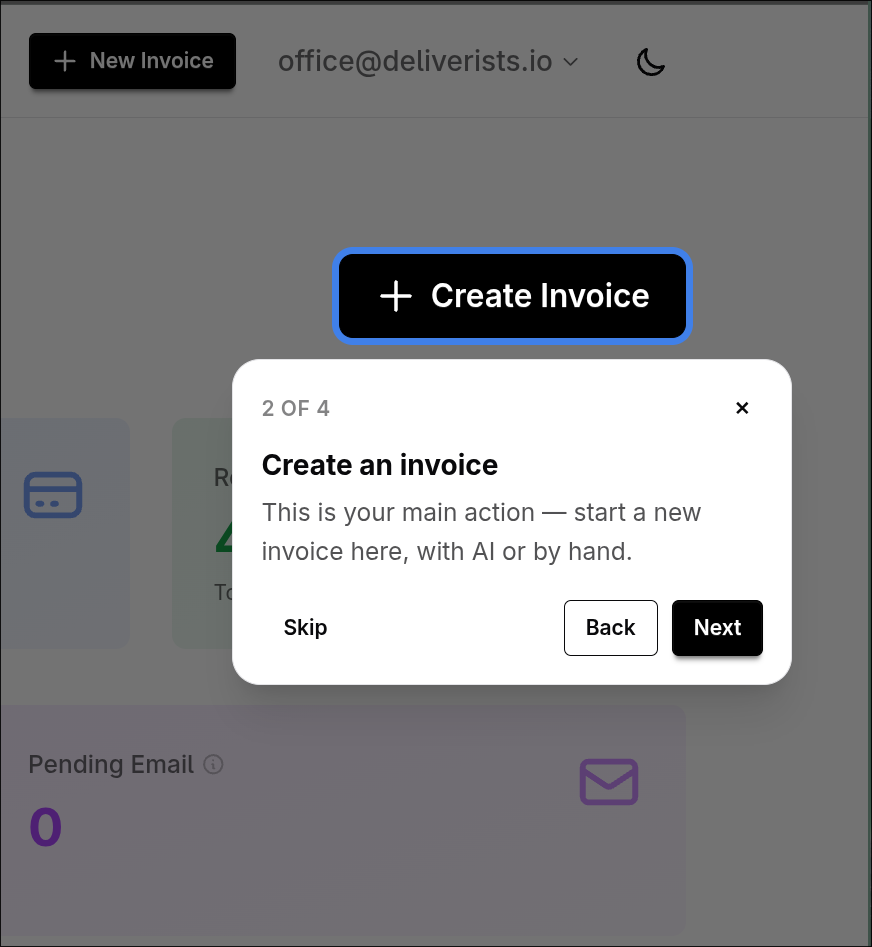
A short, friendly guided tour now walks new users through Quento — where to create an invoice, how to read your numbers, and how to get going in about 20 seconds. Skippable, replayable, never in your way.
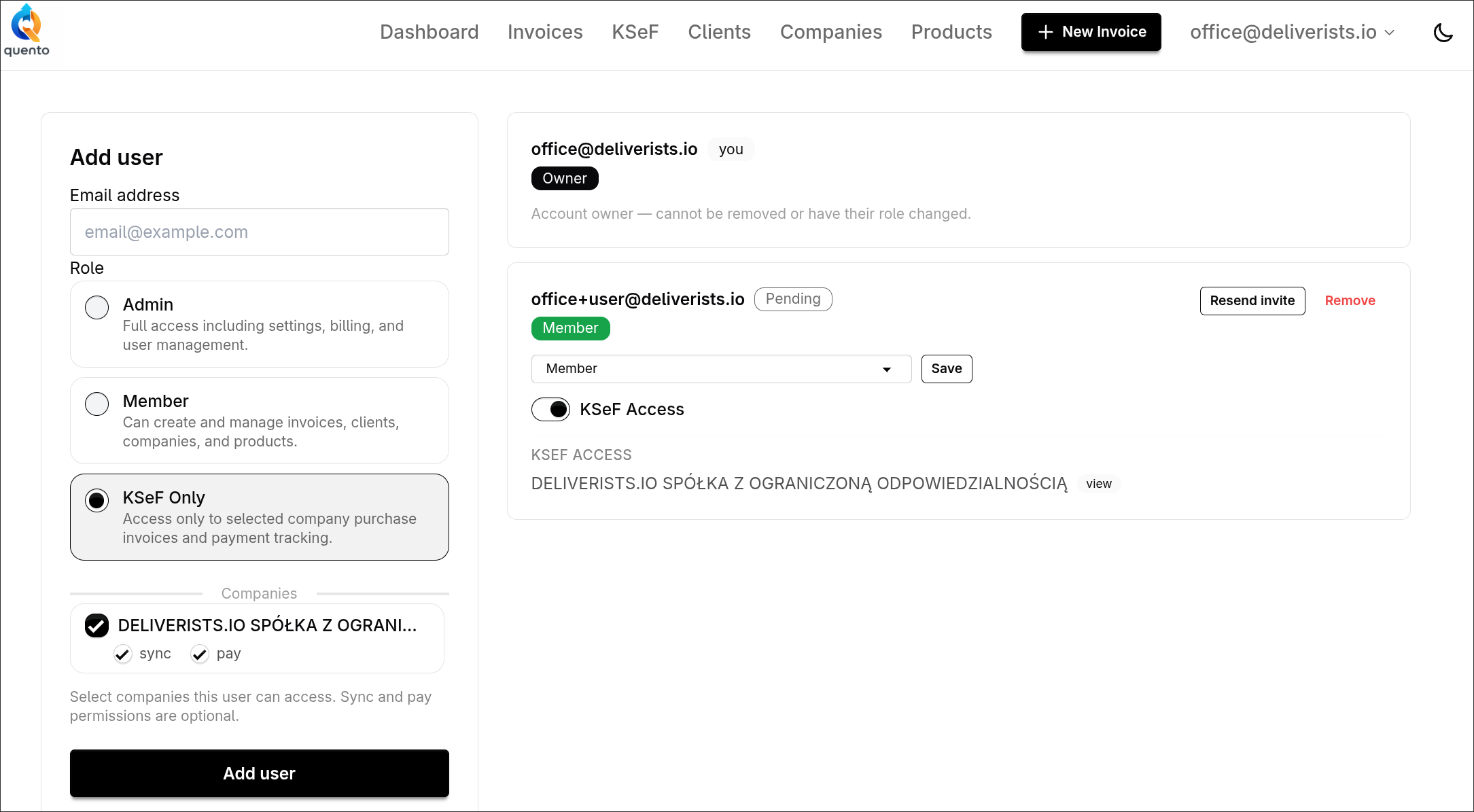
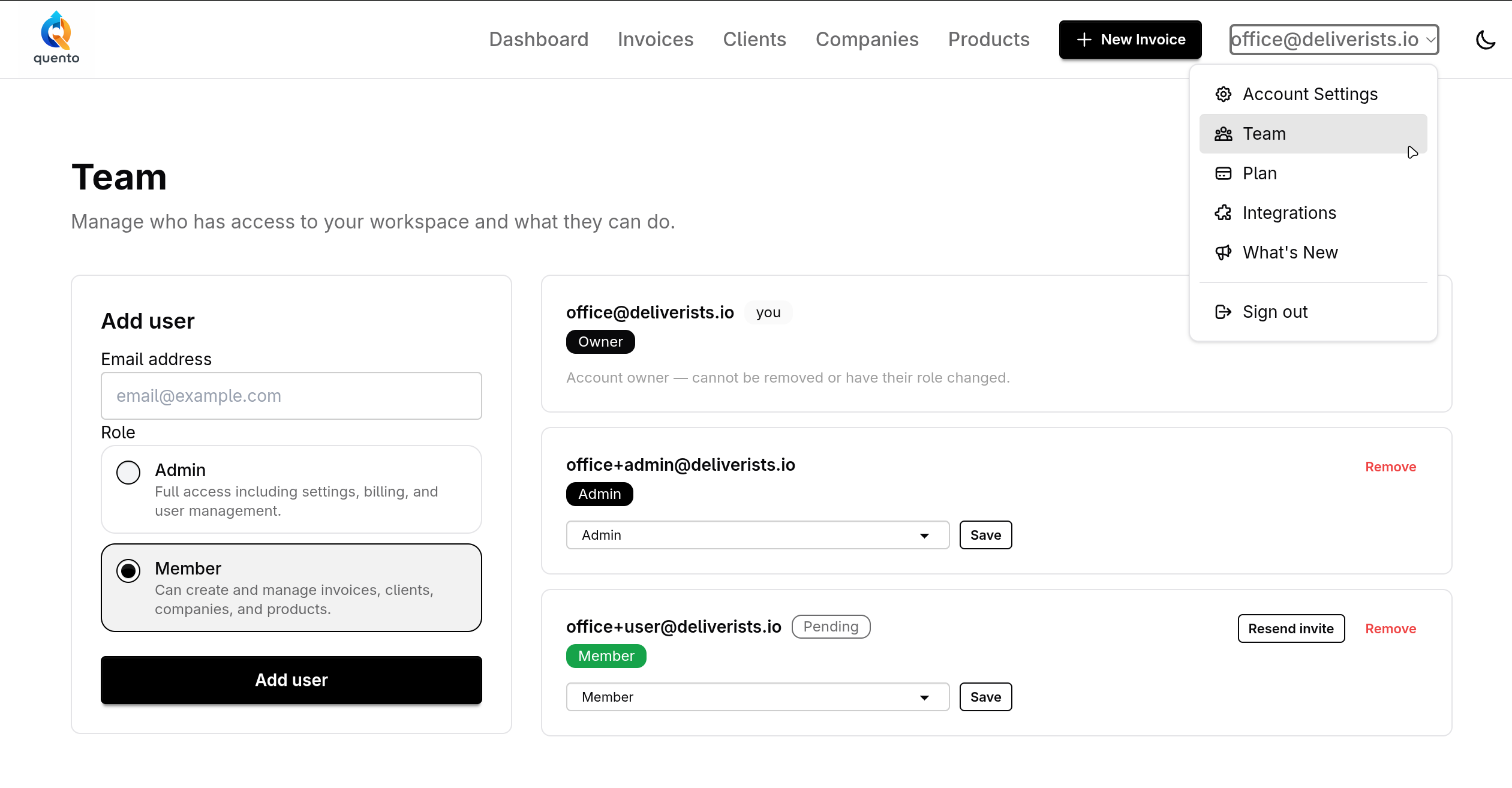
Invite team members, assign roles, and control exactly what each person can see and do in your Quento account.
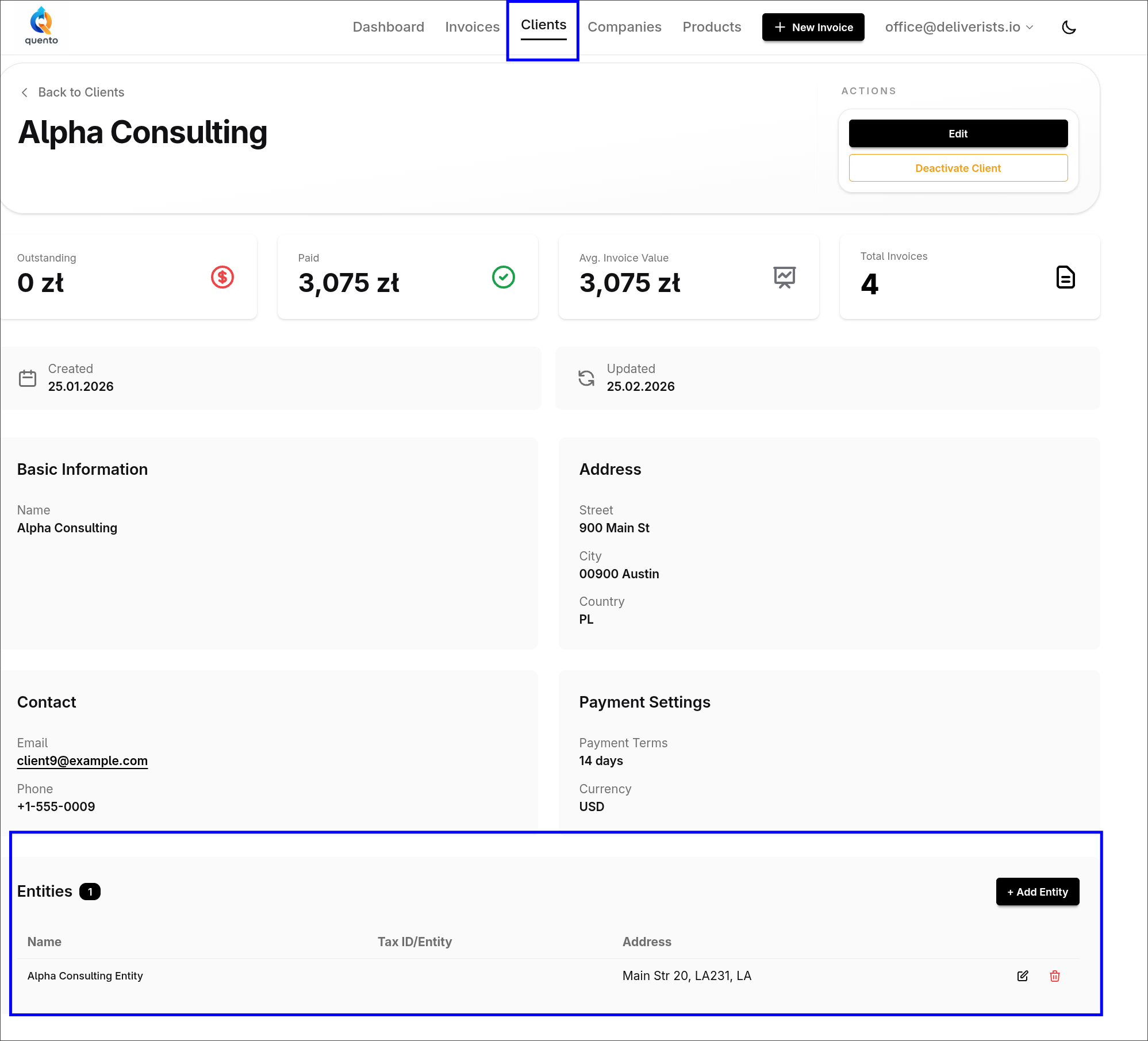
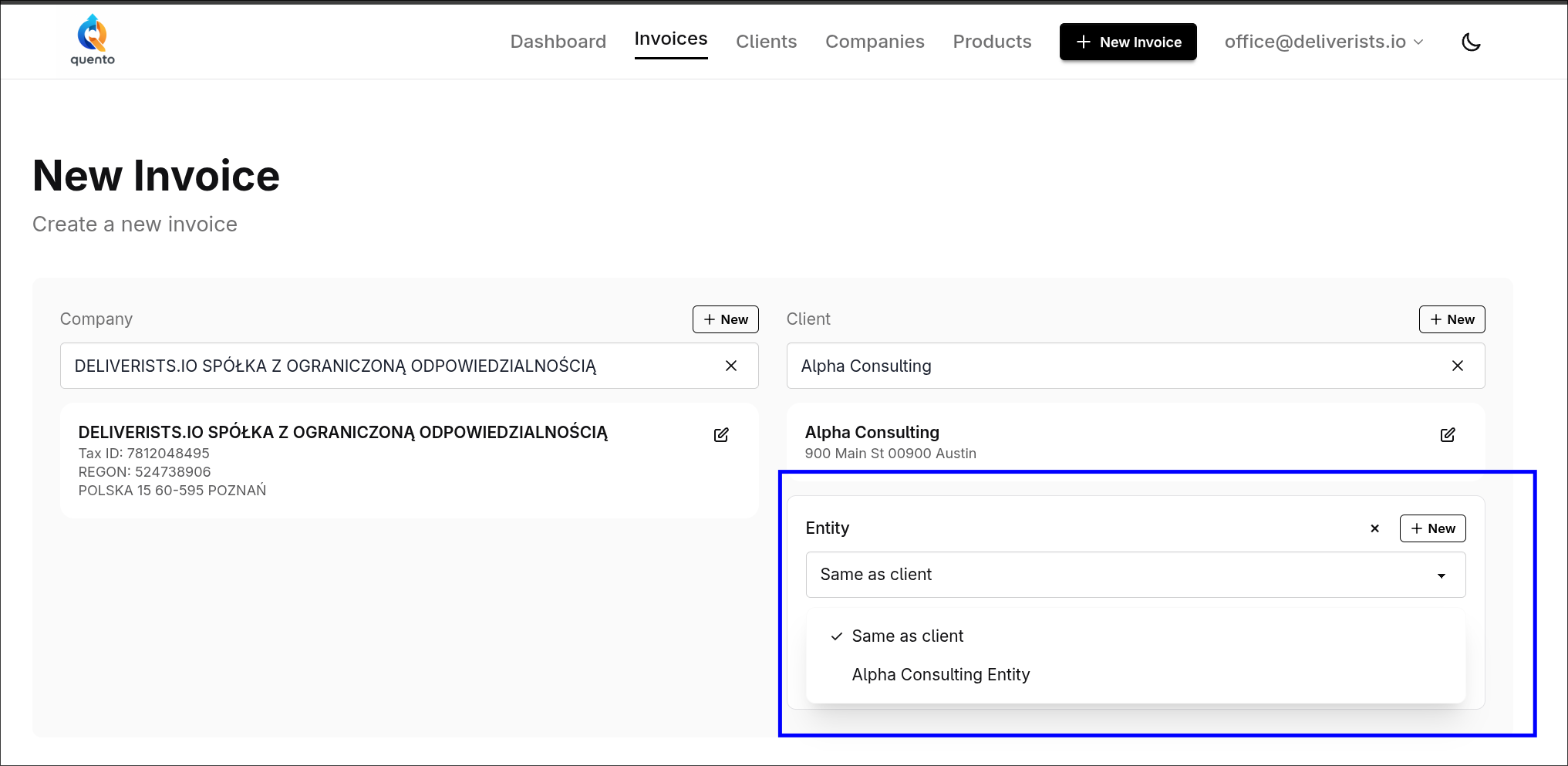
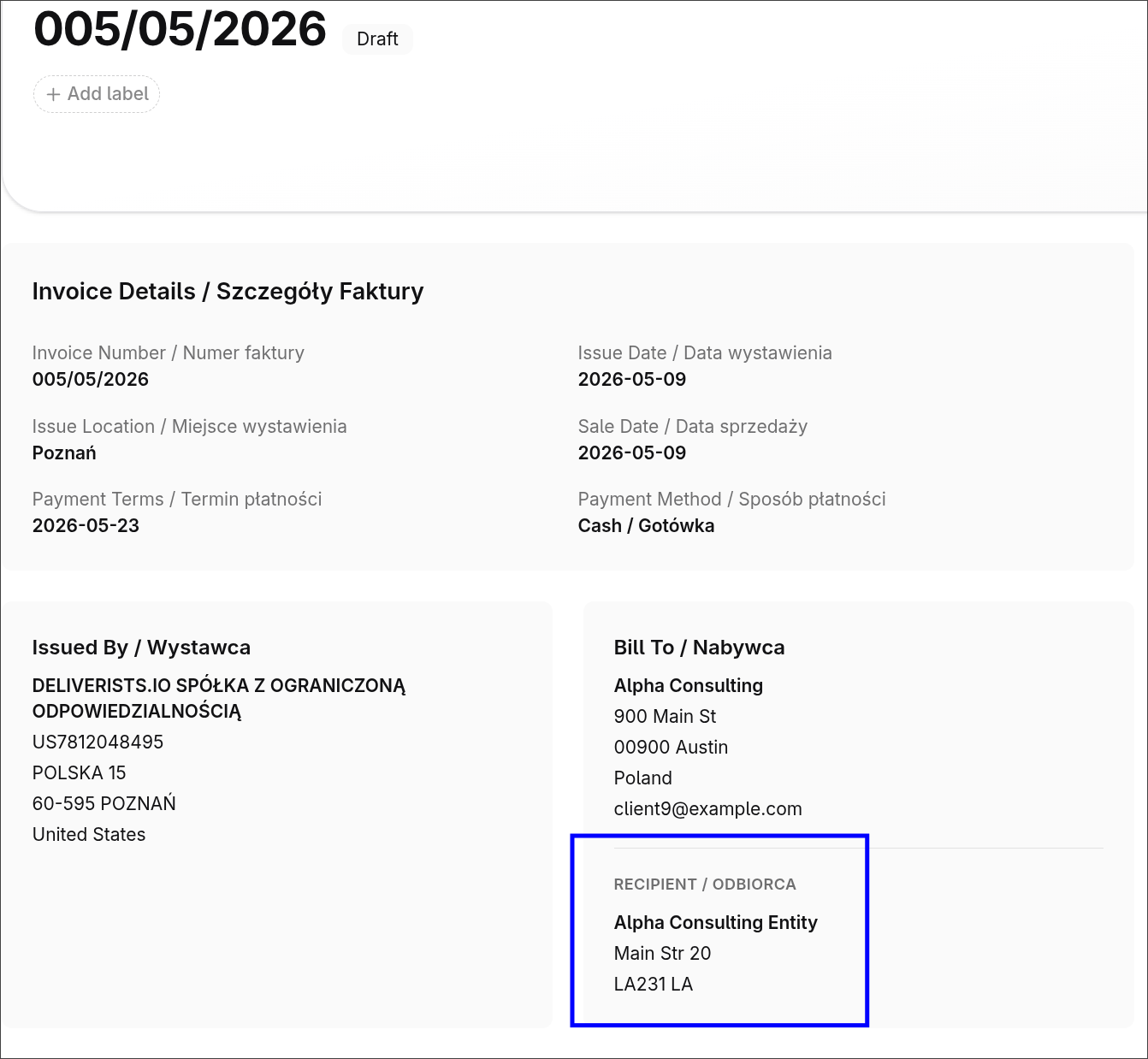
Add a department, branch, or separate recipient to an invoice without duplicating client data.
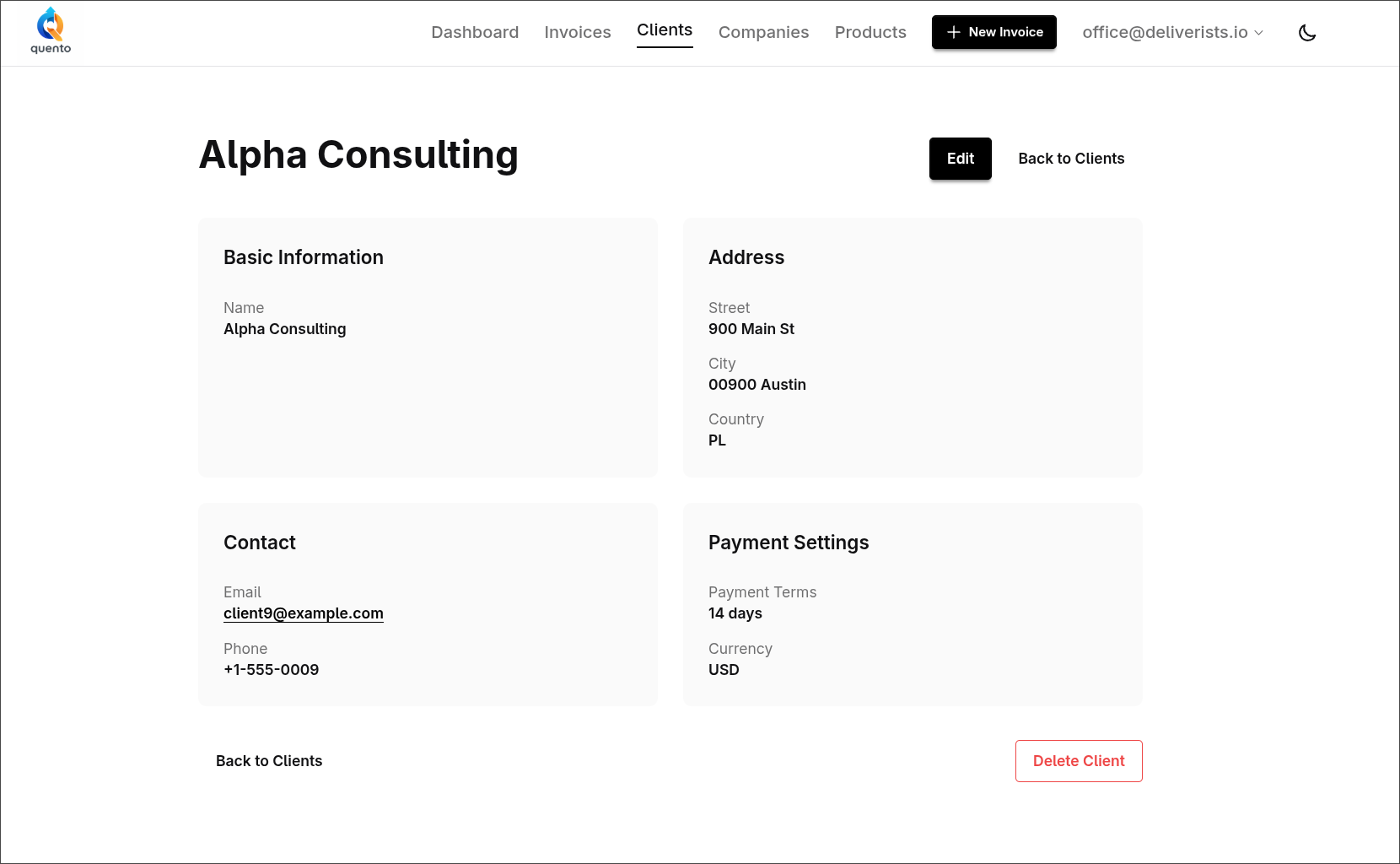
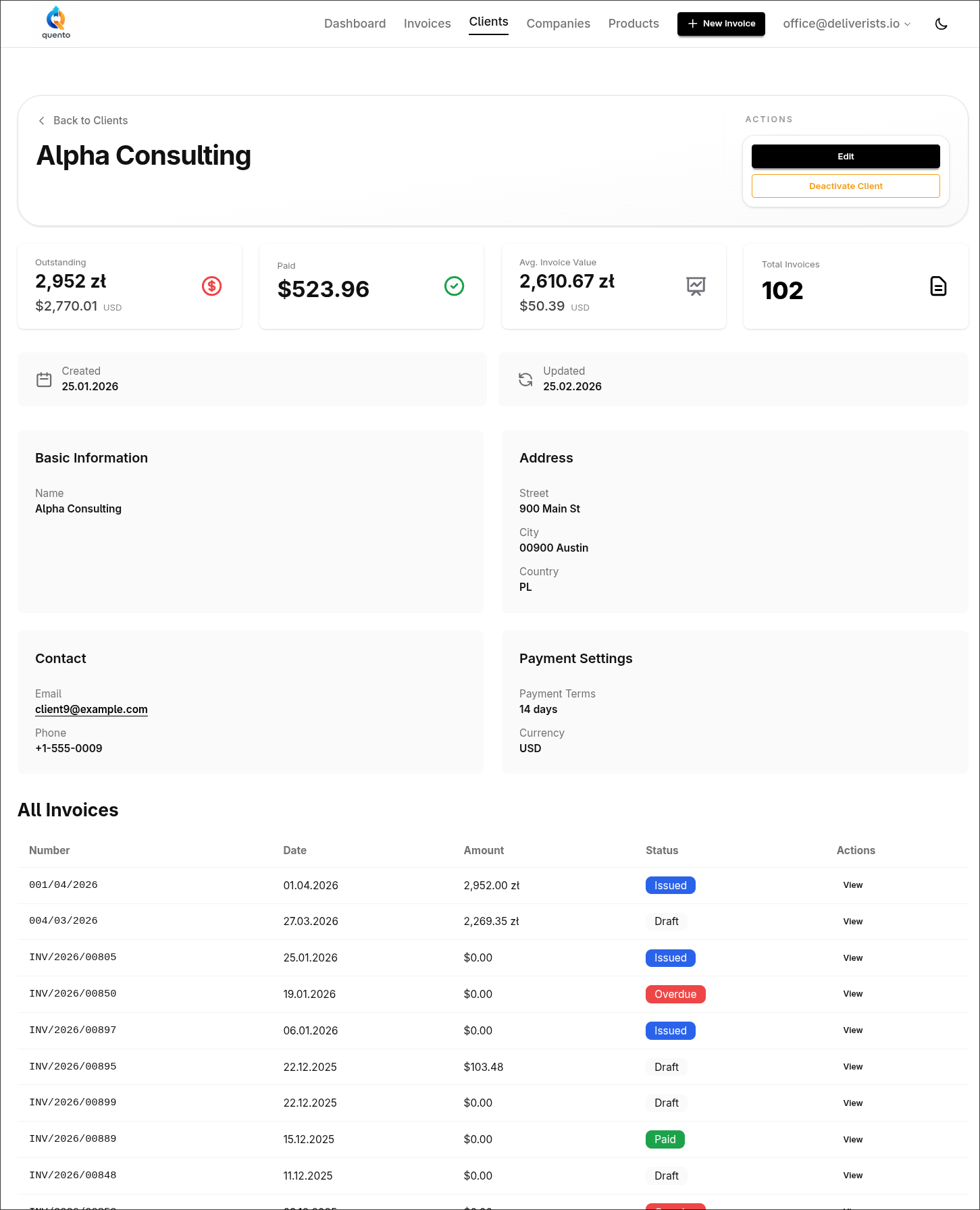
The new Quento client page shows invoice statistics, payment history, and all client details in one beautiful dashboard.
Quento AI Chat lets you create invoices, update clients, and check payments using natural language commands. Built-in voice input. No more manual forms.
We successfully migrated Quento to a new dedicated server for improved performance and reliability.
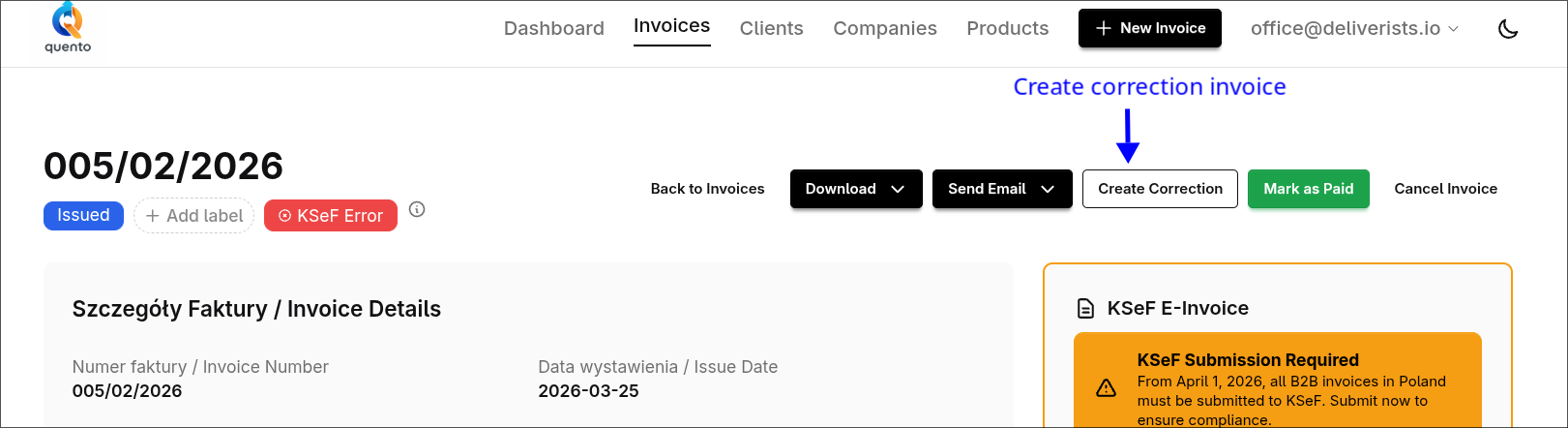
Create legally-compliant correction invoices linked to originals. Full KSeF support for Polish corrections. Automatic PDF generation with correction badges.
Quickly find and select clients and companies when creating invoices with our new searchable dropdown. No more scrolling through long lists!
Submit invoices directly to Poland's KSeF system with one click. Free KSeF integration in all plans.
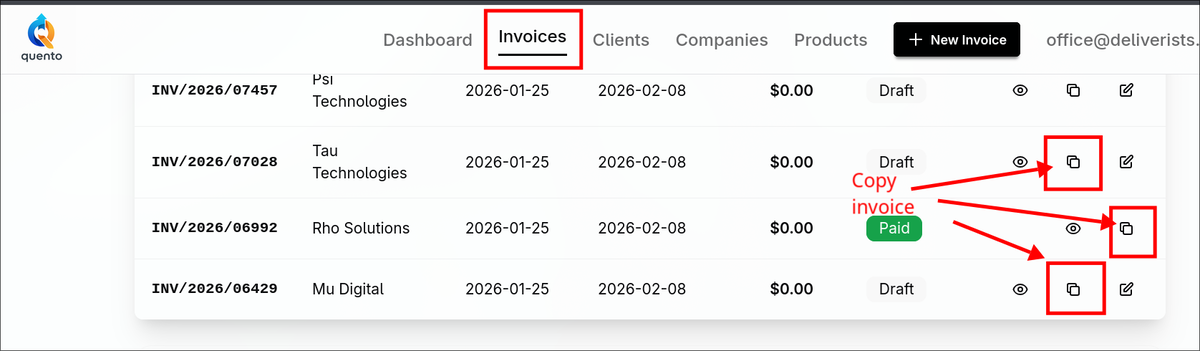
Quickly duplicate existing invoices with all items, labels, and settings preserved. Perfect for recurring clients and similar jobs.
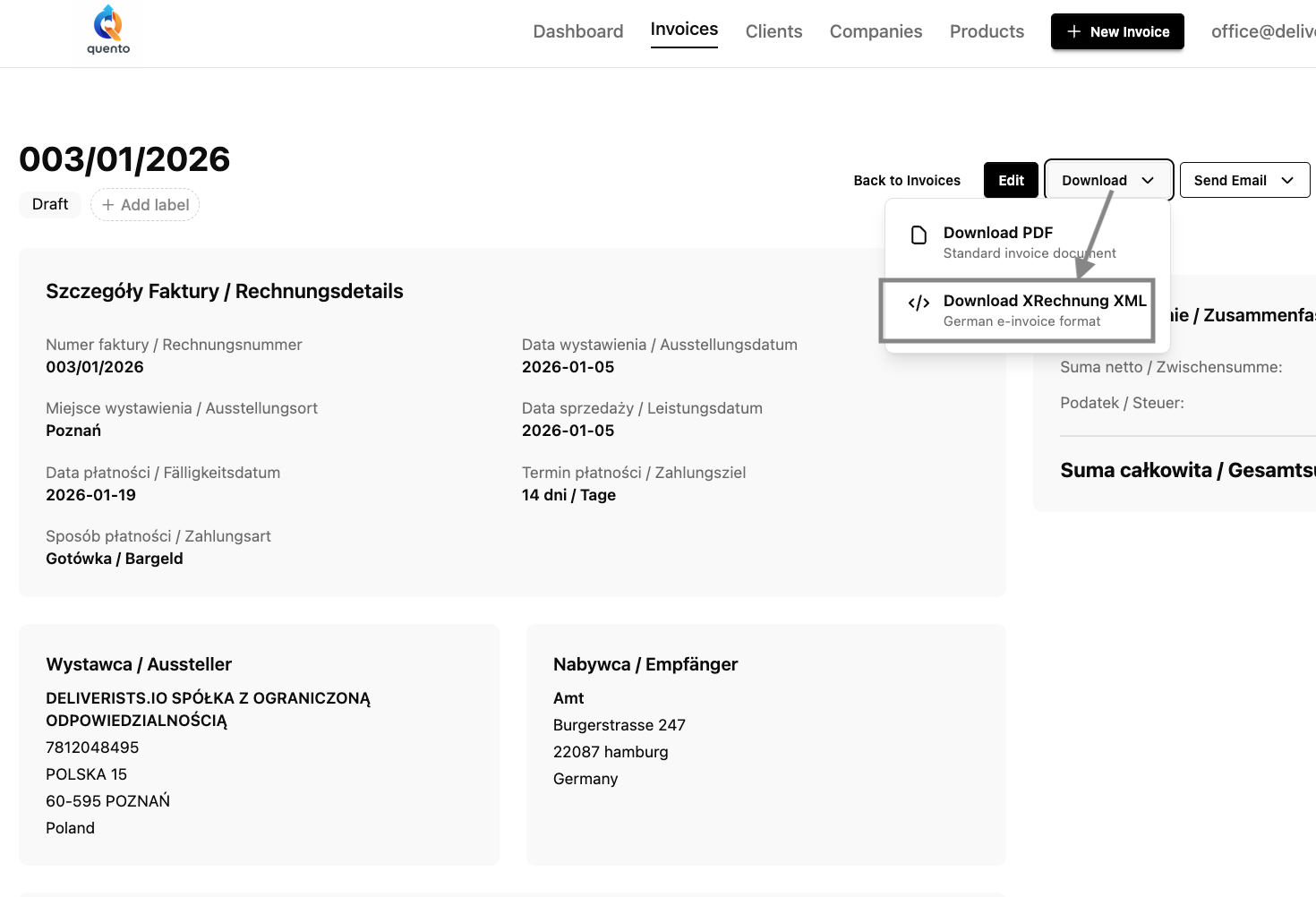
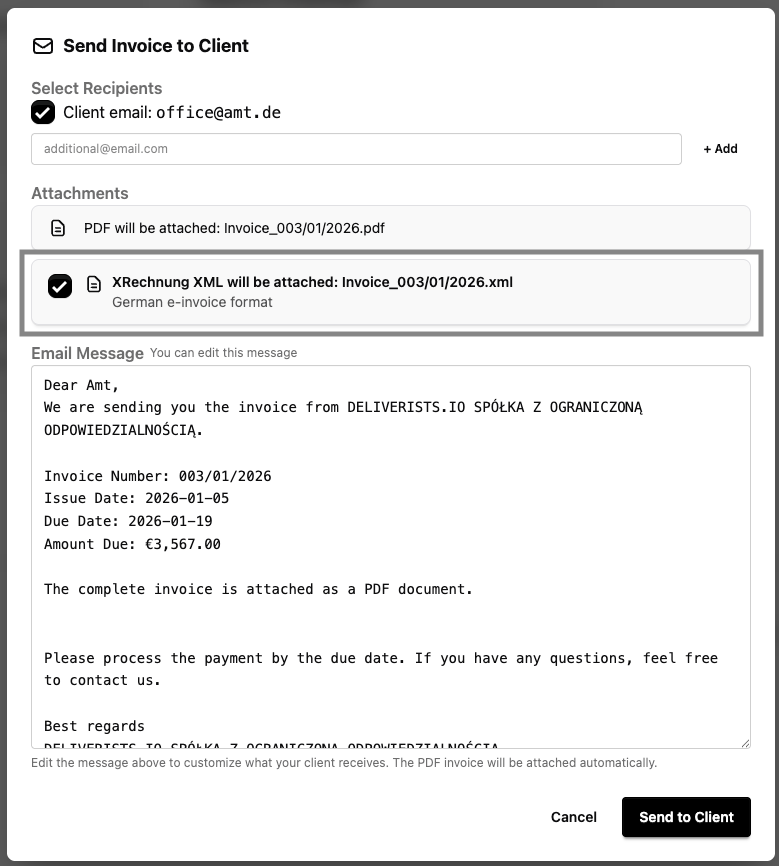
Create legally compliant German XRechnung 3.0 e-invoices automatically. ELSTER validated, PEPPOL compatible, EN 16931 compliant. Free in all plans.
Install Quento on your phone like a native app. No app store needed - just open, click, and add to home screen for instant invoicing on the go.
Never forget to send invoice copies to your accountant again. Set up your accounting email once, and send clean bookkeeping copies with a single click.
Wishing you a prosperous year ahead filled with growth, success, and smooth invoicing. Here's to making 2026 your best year yet!
Quento is invoicing software with AI, multi-currency, KSeF & XRechnung. Try 160+ currencies, 3 languages, and ChatGPT-powered invoicing for free.